
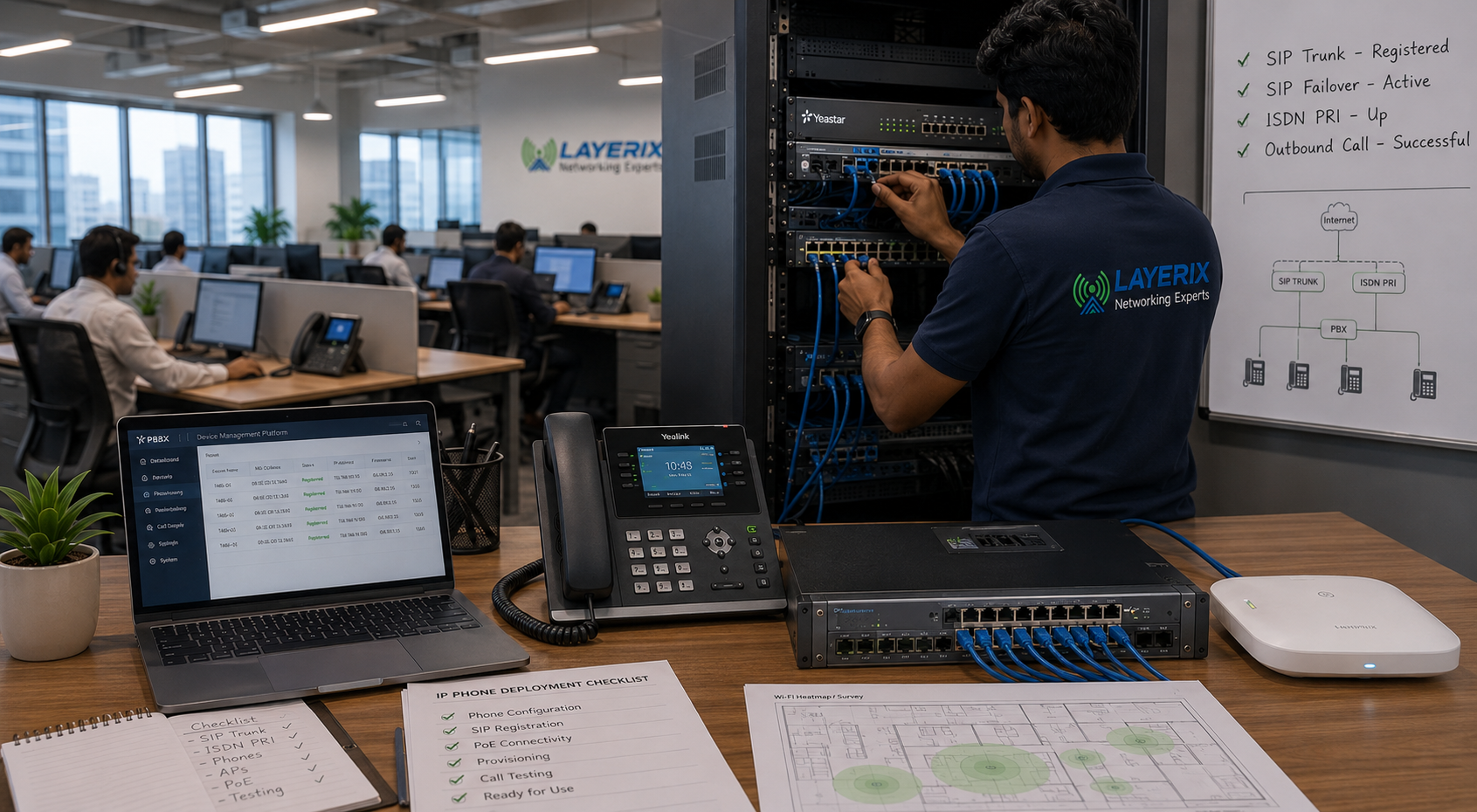
IP Phone Deployment
The Right Phone. Every Desk. Every Role.
Enterprise IP phone supply, configuration, and deployment — registered to your PBX, powered by PoE, provisioned automatically, and ready the moment they are plugged in.
Trusted by 30+ enterprises across India — connecting every desk with enterprise IP phones






Why Enterprises Choose Layerix for
IP Phone Deployment
We don’t just ship phones. We design the provisioning, size the PoE, configure QoS, and register every extension — all with zero subcontracting.

Multi‑Brand Expertise
Yealink, Grandstream, Cisco, Fanvil, Snom, Avaya — we supply and configure the right phone for each role.
Zero‑Touch Provisioning
Phones auto‑configure when plugged in — no manual entry, zero errors, massive time savings for large rollouts.
PoE + Voice VLAN in One Scope
Same team sizes the PoE switch and configures voice VLAN and QoS — no finger‑pointing.
Remote & Mobile Extensions
We configure remote registration and mobile clients so staff are reachable anywhere.
100% In‑House Engineers
The engineer who designs your dial plan is the one who provisions every phone. No subcontractors.
Documented & Trained
Extension directory, feature key guide, and admin training delivered at handover.
IP Phone Deployment in 6 Steps
Requirement Mapping
Map extensions by role and location. Select phone models for each role — executive, standard, entry, industrial.
PoE & Switch Sizing
Calculate PoE budget, assign switch ports, and configure voice VLAN and QoS.
Provisioning Setup
Pre‑register MAC addresses in the PBX / provisioning server so phones auto‑configure when plugged in.
Physical Deployment
Mount phones, connect to PoE ports, and let ZTP configure everything automatically.
Feature Programming & Testing
Programme BLF keys, speed dials, and softphone/mobile clients. Test every extension.
Handover & Training
Extension directory, user quick‑reference cards, and admin training delivered.
Full Scope of IP Phone Deployment
IP Phones for Every Role
Executive Desk Phone
High-resolution colour display, multiple line keys, Bluetooth/Wi-Fi — for C-suite and senior management.
Yealink T58A, Cisco 8861
Standard Desk Phone
Mid-range IP phone for everyday use — clear display, HD voice, 4–8 programmable keys.
Yealink T43U, Grandstream GXP2135
Entry-Level Phone
Simple, cost-effective IP phone for hot-desking, meeting rooms, and break areas.
Yealink T31, Grandstream GXP1615
Ruggedised / Industrial
Dust and moisture resistant IP phones for factory floors, warehouses, and outdoor locations.
Fanvil X4G, Snom D385
Softphone / Desktop Client
Software-based phone on laptop or PC — no hardware required, ideal for remote and hybrid workers.
Zoiper, MicroSIP, Bria
Mobile Client
Extend your PBX extension to iOS or Android — receive and make calls on your mobile as if at your desk.
Zoiper Mobile, Grandstream Wave
Brands We Supply & Deploy
Yealink
Global market leader — widest range, strong ZTP support, excellent value
Grandstream
Feature-rich, cost-effective, deep PBX integration across all models
Cisco
Enterprise-grade, ideal for Cisco CUCM and Webex environments
Fanvil
Industrial and ruggedised phones, hotel-grade models, strong PoE efficiency
Snom
European-engineered, open SIP, excellent for compliance-sensitive environments
Avaya
Large enterprise environments on Avaya IP Office or Aura platforms
Layerix is vendor‑neutral. We recommend the right brand and model for your PBX platform.
How ZTP Works
MAC Address Registered
Phone MAC addresses pre-registered in the provisioning server or PBX.
Phone Plugged In
Engineer connects the phone to a PoE port — power and data from one cable.
Auto-Provisioned
Phone downloads its configuration, registers to the PBX, and is ready to use.
No Manual Config
No manual IP entry, no extension typing — fully automated and error-.
"We deployed 120 IP phones across 4 floors in a single day — every extension ready to dial the moment it was plugged in."
Real IP Phone Deployments
Every photo is from an actual Layerix deployment. No stock imagery. No subcontractors.
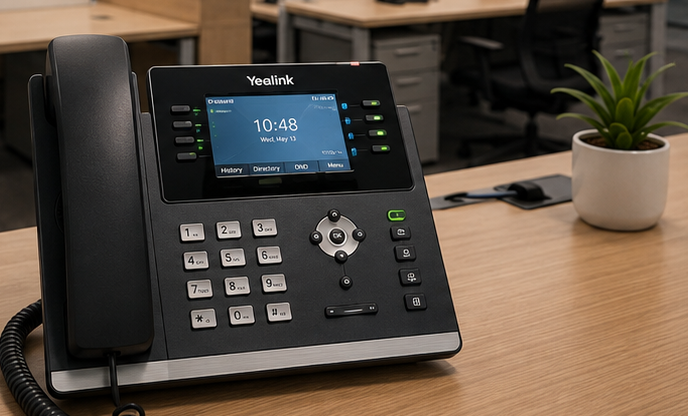
IP phone deployment — corporate campus, Bengaluru
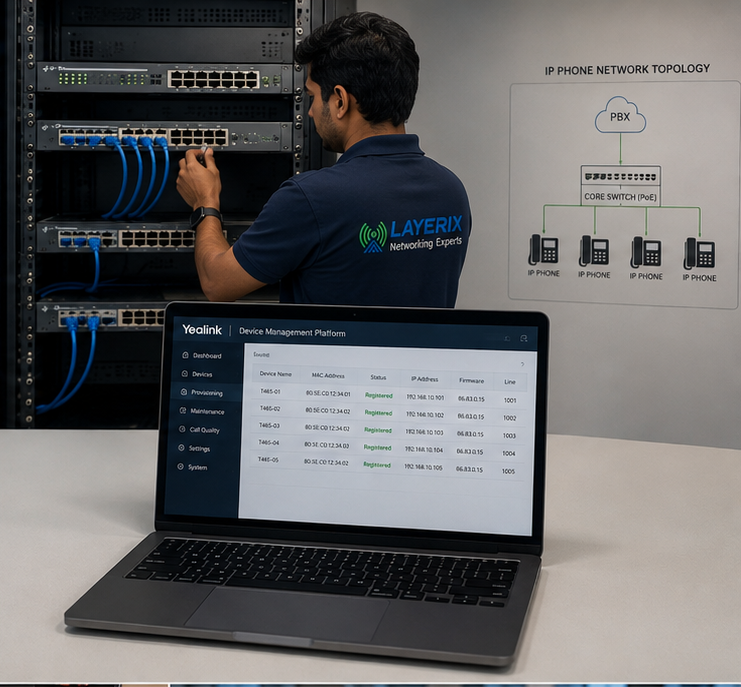
PoE switch configuration for VoIP — technology park, Hyderabad
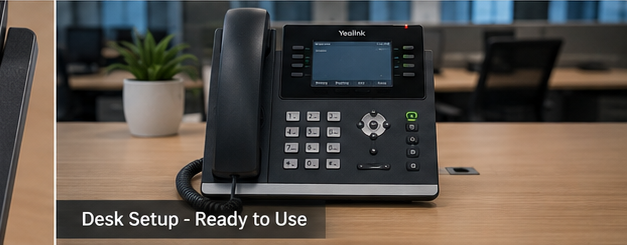
Executive phone installation — financial services client, Chennai
120+ IP Phones Deployed Across India
Executive, standard, and industrial phones for offices, warehouses, and healthcare facilities.
IP Phones for Every Sector
Corporate Offices
Executive & standard desk phones
Healthcare
Nurse stations, ward phones
Hotels & Hospitality
Front desk, guest room IP phones
Manufacturing
Ruggedised industrial phones
Pharmaceuticals
Cleanroom & lab extensions
Education
Classroom & campus IP phones
Banking & Finance
Dealer boards, secure extensions
Commercial Real Estate
Multi‑tenant IP phone systems
IP Phone Questions
Everything you need to know about IP phone deployment.
What is an IP phone and how is it different from a regular desk phone?+
An IP phone (Internet Protocol phone) connects to your network using an Ethernet cable instead of a traditional telephone line. It communicates with your PBX using SIP — a standard protocol for voice over IP. This means it can use the same cabling as your data network, can be powered by PoE, and can be registered to a PBX at any location without re-cabling.
Do IP phones need a separate power outlet?+
No — IP phones are powered by PoE (Power over Ethernet), meaning power is delivered through the same Ethernet cable that carries voice data. As long as your switch has PoE capability on that port, no wall power outlet is required at the phone location. Layerix sizes PoE budgets as part of every IP phone deployment.
Can IP phones work with our existing PBX?+
Provided your PBX supports SIP extensions (most modern systems do), yes. We assess your PBX compatibility before recommending phone models. For older proprietary digital PBX systems, we can add an IP gateway module to bridge the two systems.
What is zero-touch provisioning (ZTP)?+
Zero-touch provisioning allows an IP phone to configure itself automatically when plugged in — downloading its extension settings, PBX registration details, and feature key programming from a provisioning server. No manual configuration is required on the phone itself. Layerix sets up ZTP for all multi-phone deployments (10+ phones), which dramatically reduces deployment time and eliminates configuration errors.
Can our remote and home-office staff use IP phones?+
Yes — IP phones can register to your PBX over the internet, just as they would over your office LAN. Remote staff can have a physical IP phone at home, or use a softphone on their laptop or mobile app, and appear as a normal extension to anyone calling them internally. We configure remote registration and test it before handover.
What is a softphone and can it replace a desk phone?+
A softphone is a software application on a laptop or PC that functions as a full IP phone — making and receiving calls, transferring, holding, and accessing the directory. For staff who work primarily at a desk with a headset, a softphone fully replaces a desk phone. For staff who frequently step away from their desks, a physical desk phone or mobile client is more practical.
Can staff use their mobile phones as an extension?+
Yes. Mobile client apps (Zoiper, Grandstream Wave, Bria) register your mobile phone as a PBX extension over Wi-Fi or mobile data. Incoming calls ring your desk and mobile simultaneously, and outbound calls display your office number to the recipient.
How many phones can one PoE switch support?+
This depends on the switch's total PoE budget and the power consumption of each phone. A standard IP desk phone draws approximately 3–7 watts. A 24-port PoE switch with a 370W budget can support approximately 24 standard desk phones. Layerix calculates the exact PoE budget as part of the phone deployment design.
What happens to voice quality if our network is congested?+
Poor QoS (Quality of Service) configuration causes voice packets to compete with data traffic — resulting in jitter, echo, and dropped syllables. Layerix configures QoS on every IP phone deployment — marking voice packets for priority treatment on the network so calls remain clear regardless of other traffic.
Can you programme speed dials and BLF keys?+
Yes. We programme all speed dial keys, Busy Lamp Field (BLF) keys (which show whether a colleague's extension is or busy), and function keys as part of deployment. Changes after handover can be made through the PBX admin interface or provisioning server, which we train you to use.
Do you supply the phones or just install?+
Both. Layerix can supply and install, or install phones you have already procured. We are experienced with Yealink, Grandstream, Cisco, Fanvil, Snom, and Avaya — and we recommend the right model for each role and environment.
Our IP Phone Success Stories
Real outcomes from enterprises across India






















METEC Design and Construction Engineers India Private Limited
India




















Ready to Equip Every Desk with the Right IP Phone?
Book a consultation. We'll map your extension requirements, recommend the perfect phone models, and deliver a fixed‑price quote — no obligation.
Response within 4 business hours · Pan‑India deployments · Yealink, Grandstream, Cisco certified