
Digital Signage
CMS · Video Walls · Remote Monitoring
Managed digital signage networks – commercial displays, video walls, and content management systems. Corporate lobbies, retail, factories, and wayfinding. Pan‑India.
Portrait / Landscape · Outdoor IP65
Yodeck · Custom Solutions
API · SQL · Web Feeds
Content Scheduling · Analytics
Trusted by 30+ enterprises across India

Complete Digital Signage Solutions
Displays, video walls, CMS, and remote management – all delivered in‑house, pan‑India.

Commercial Displays
Professional displays for 24/7 operation – corporate lobbies, retail, and industrial. Sizes 43″ to 98″ with 4K resolution and networked control.

Video Walls
Multi‑display video walls with narrow bezels (1.8‑3.5mm). Design, mounting, calibration, and content management for lobbies and command centres.

CMS Platform Deployment
BrightSign, Scala, Signagelive, Yodeck – we deploy the right CMS for your screen count and content complexity. Cloud or on‑premise.

Data‑Feed Integration
Live KPI dashboards from ERP/MES, SQL databases, or APIs. Real‑time production metrics, inventory levels, and business dashboards.
Remote Monitoring & Management
Centralised cloud dashboard for screen health, content delivery, offline alerts, and player status. Proactive issue detection and escalation.

Wayfinding & Campus Signage
Interactive and static wayfinding signage for hospitals, campuses, malls, and corporate buildings. Map integration and directory management.
Why Enterprises Trust Our
Signage Engineers
Digital signage is not just about screens – it's about content delivery, reliability, and integration. We design systems that ensure your message is always on, always visible, and always up to date.
Design‑Before‑Deploy
Display placement, viewing angles, ambient light analysis, and network planning are designed before any hardware is installed.
Zero Subcontracting
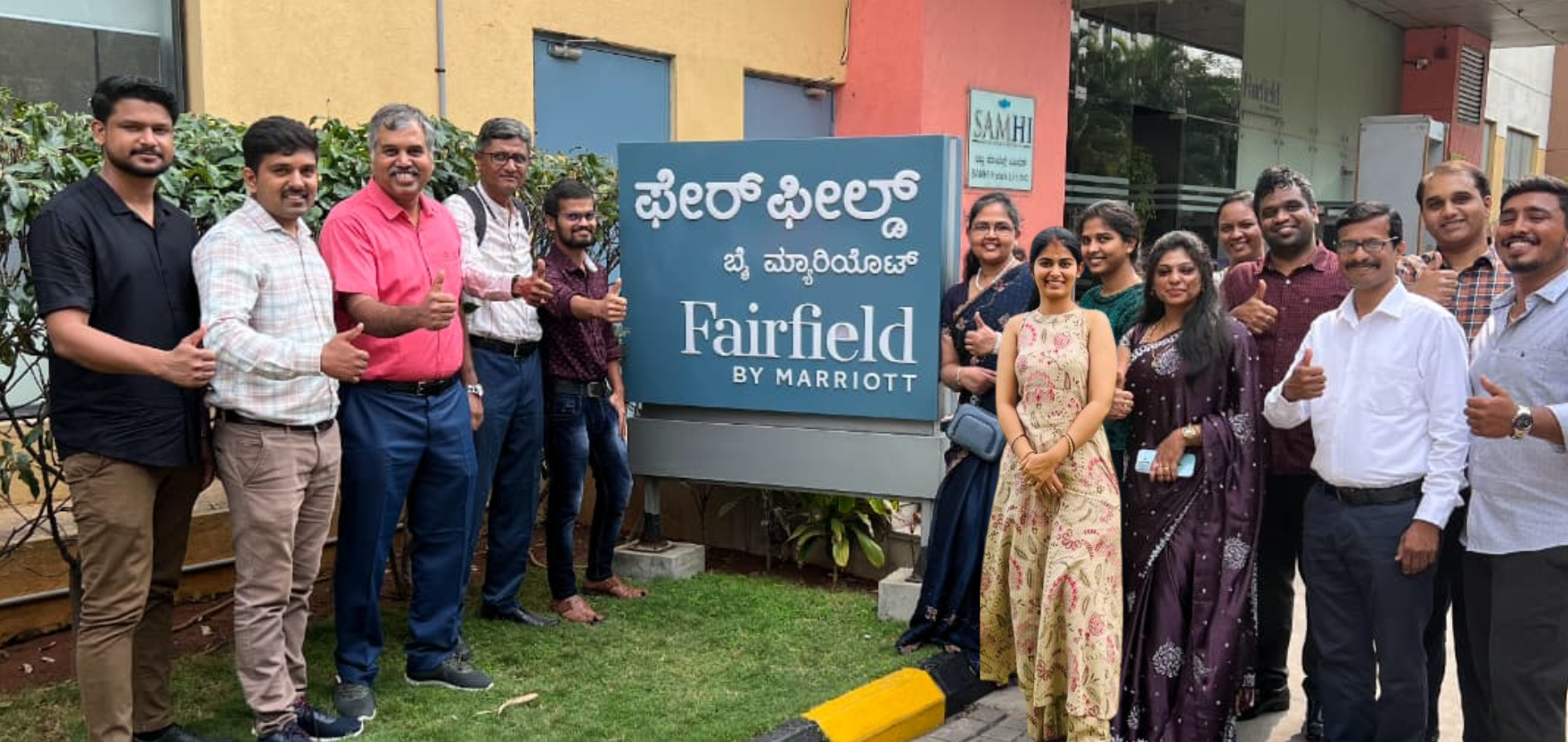
Every signage project is installed by our own engineers – no third‑party AV subcontractors.
Network + AV One Team
We handle QoS, VLANs, and network integration – no finger‑pointing between separate network and AV teams.
CMS‑Agnostic
We work with BrightSign, Scala, Signagelive, Yodeck – we recommend the right platform, not a forced vendor.
Full Documentation
Display maps, network diagrams, CMS credentials, and user guides – all delivered at handover.
AMC with Remote Monitoring
Annual maintenance contracts with proactive health checks, CMS updates, and 12×6 break‑fix support.
From Design to Deployment in 6 Steps
Requirements Discovery
Define content goals, screen locations, audience, and integration needs (data feeds, wayfinding, etc.).
Display & CMS Selection
Recommend display types, sizes, and CMS platform based on screen count and content complexity.
Network & Power Planning
Design PoE/power distribution, network switches, and QoS for reliable content delivery.
Installation & Mounting
100% in‑house team. Display mounting, cabling, and player/network device installation.
CMS Configuration & Content Setup
Deploy CMS, configure schedules, upload content, and set up data‑feed integrations.
Testing & Handover
Test all screens, content delivery, and remote monitoring. Deliver user training and documentation.
Commercial Display vs Consumer TV – Which One Do You Need?
| Feature | Commercial Display | Consumer TV |
|---|---|---|
| 24/7 Operation | ✅ Rated for continuous use | ❌ Not rated, risk of failure |
| Networked Control | ✅ RS‑232, IP, SNMP | ❌ Limited / None |
| Thermal Management | ✅ Commercial‑grade cooling | ❌ Consumer‑grade |
| Certifications | ✅ Corporate/Retail/Industrial | ❌ Home use only |
| Best For | Signage, lobbies, factories, retail | Home entertainment, occasional use |
*Layerix recommends commercial displays for all professional signage deployments.
Real Signage Deployments
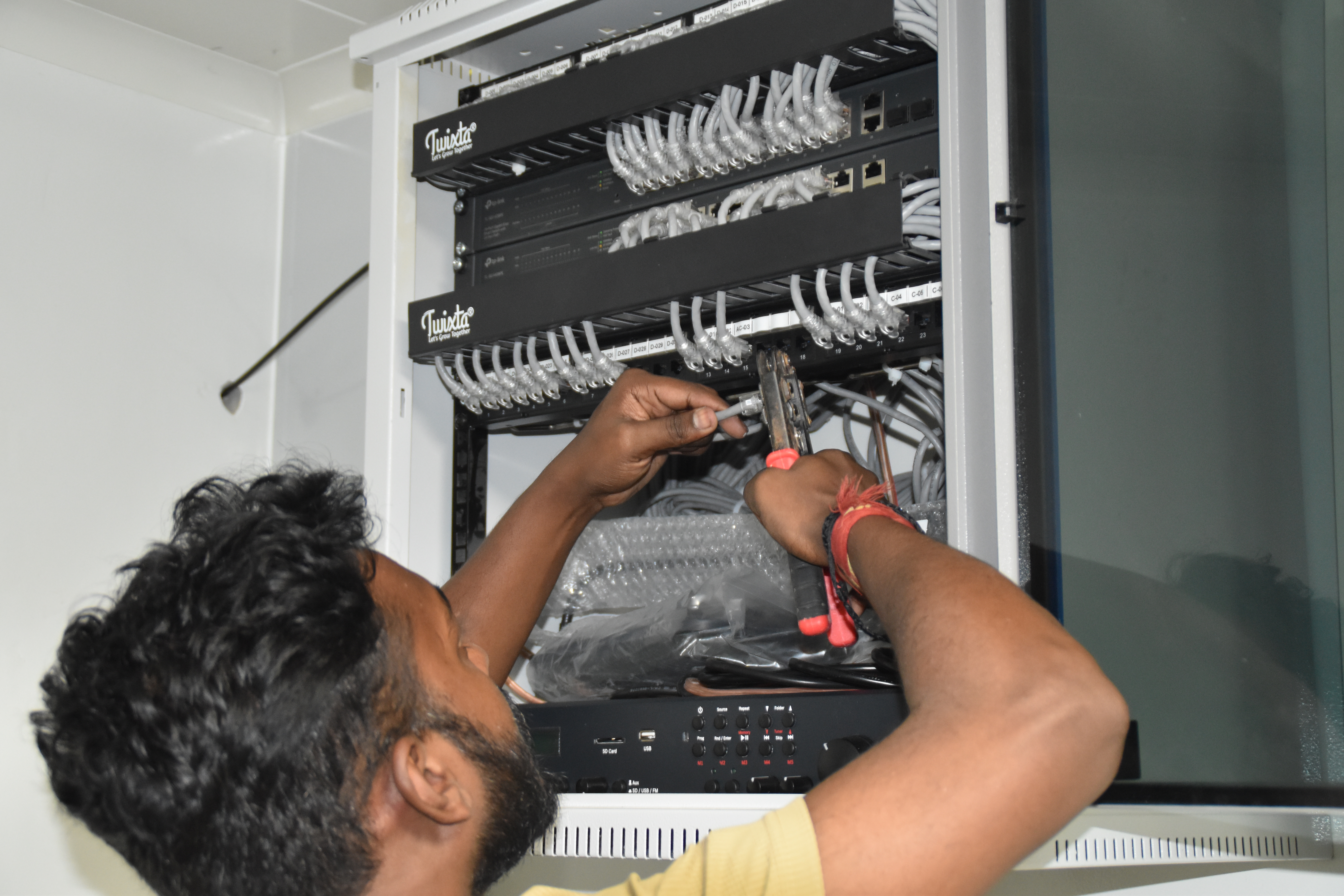
Live digital signage installations across Karnataka and Tamil Nadu – corporate, retail, healthcare, and industrial environments.
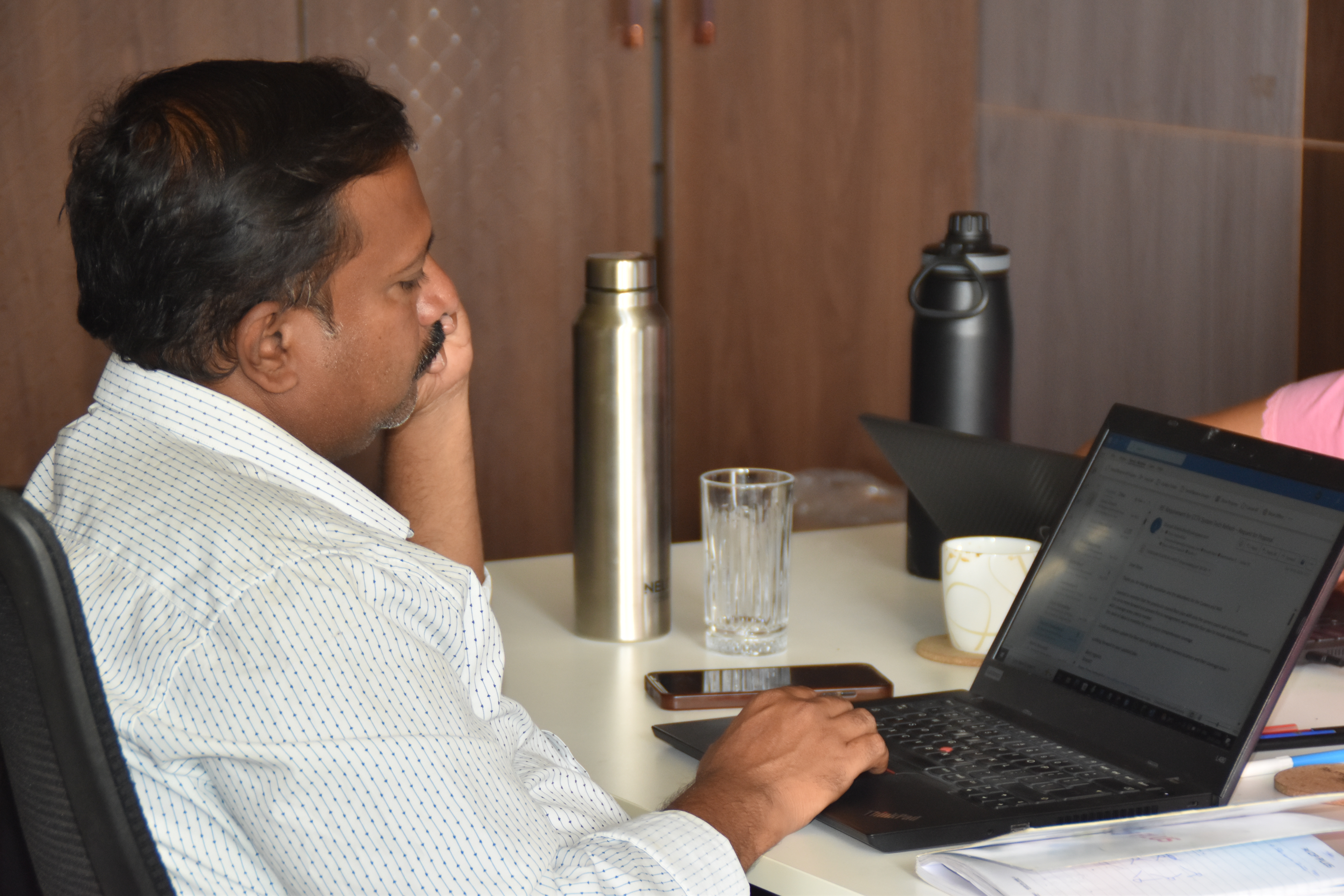
Resident IT engineer support — Yaas Technology Solutions, Karnataka
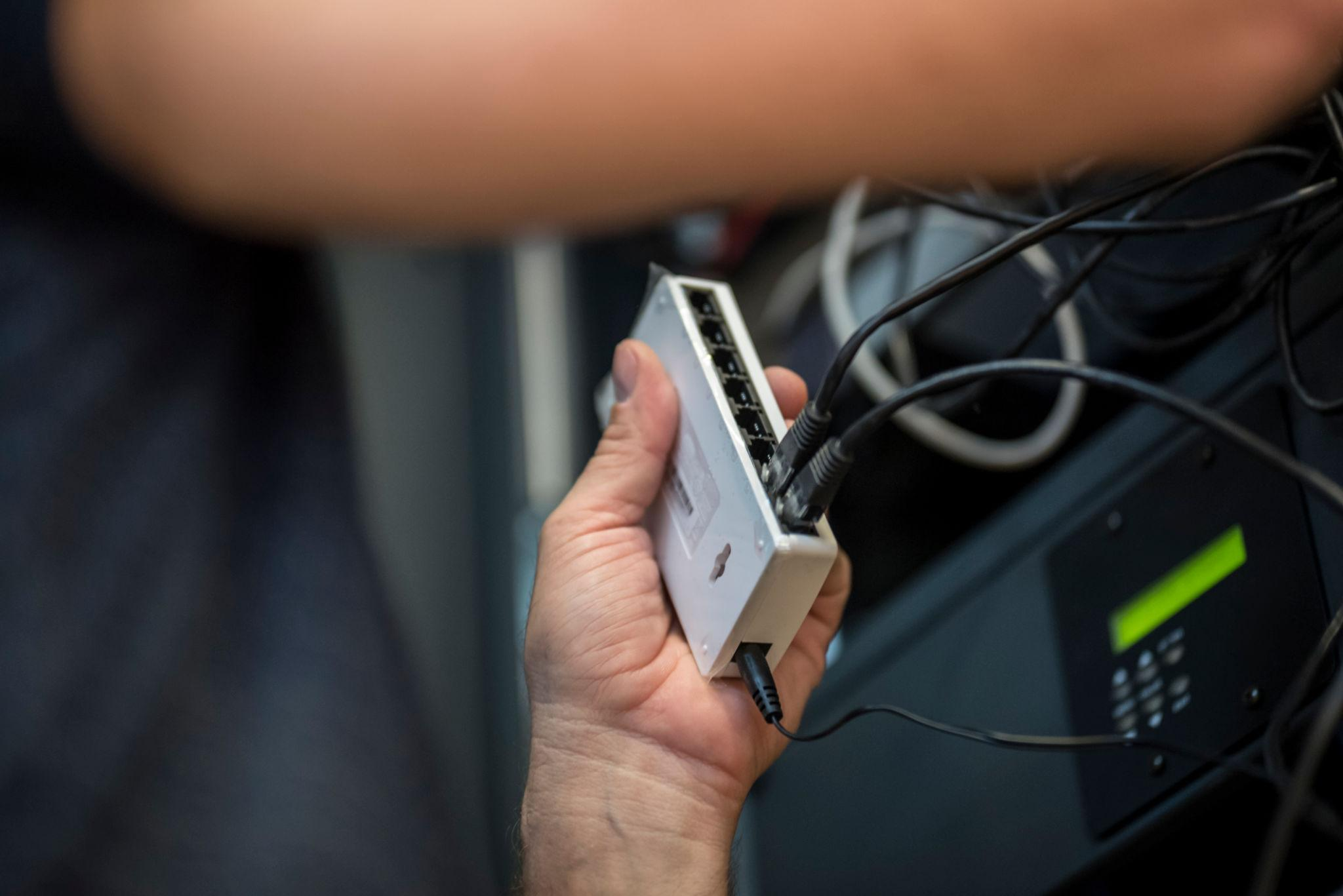
Enterprise WiFi deployment — Somerset Therapeutics, Karnataka
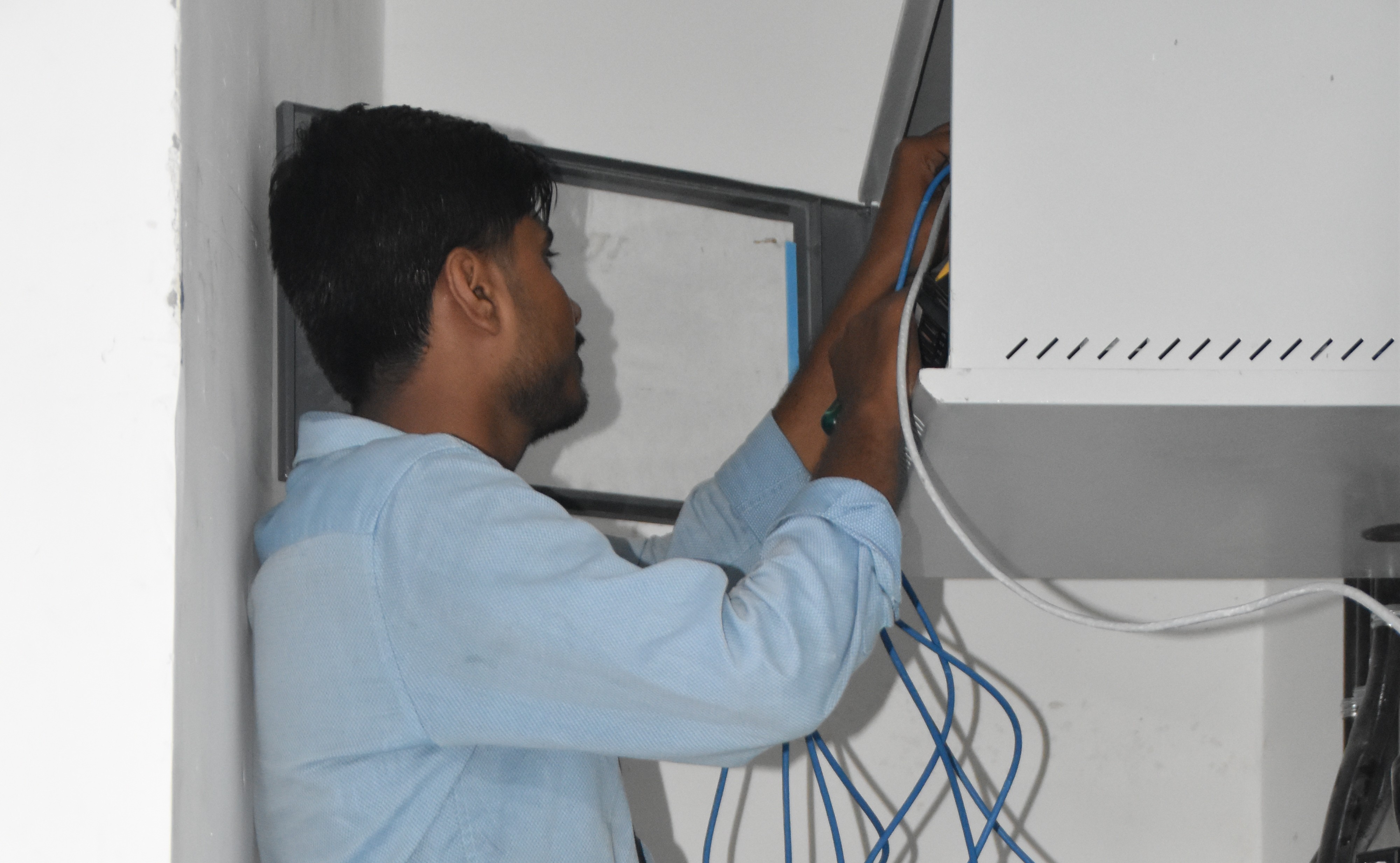
Structured cabling & CCTV infrastructure — Eriez, Tamil Nadu
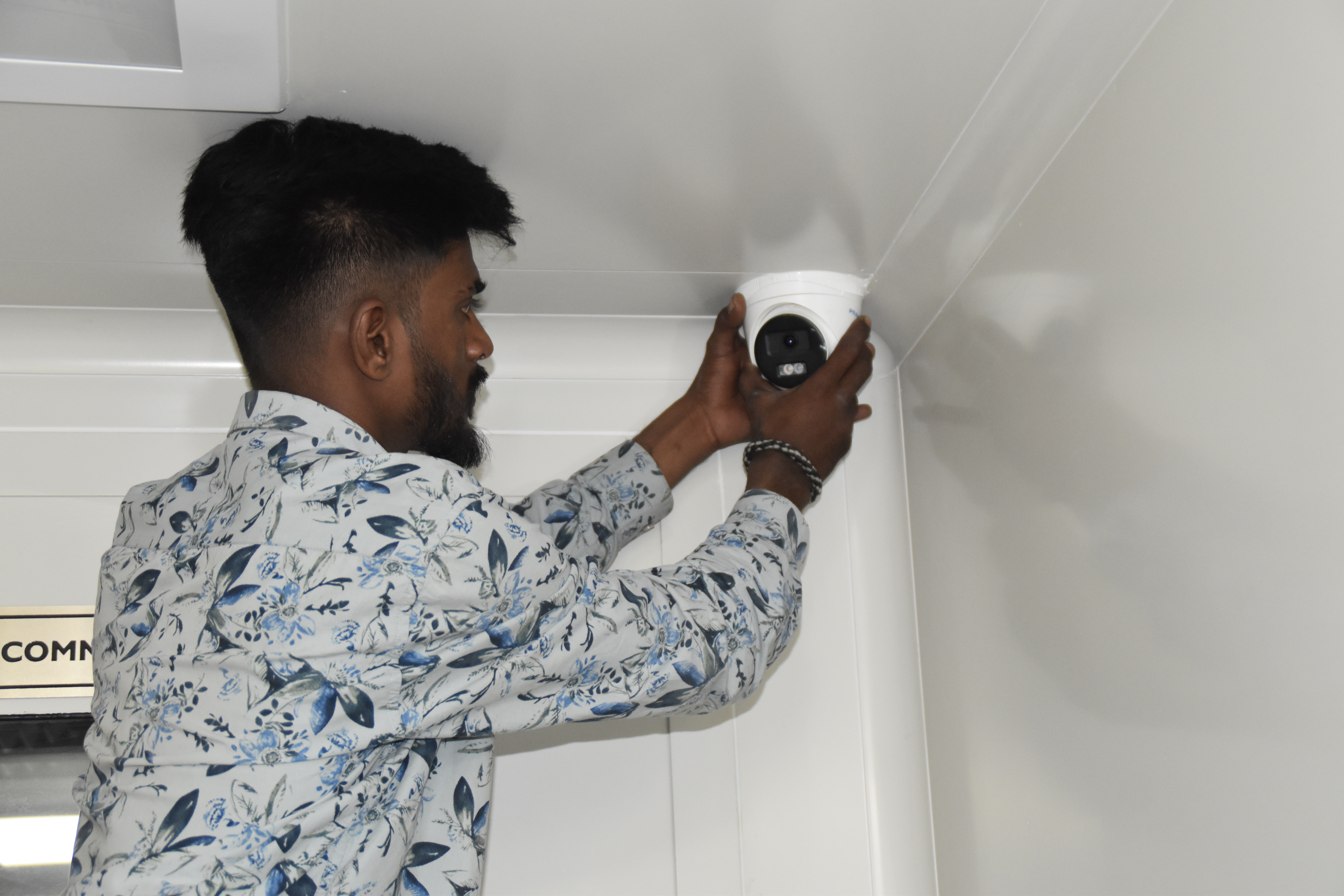
Break‑fix troubleshooting & stabilization — AEOS Labs, Karnataka
Healthcare network deployment — HCG Cancer Hospital Tower 6, Karnataka
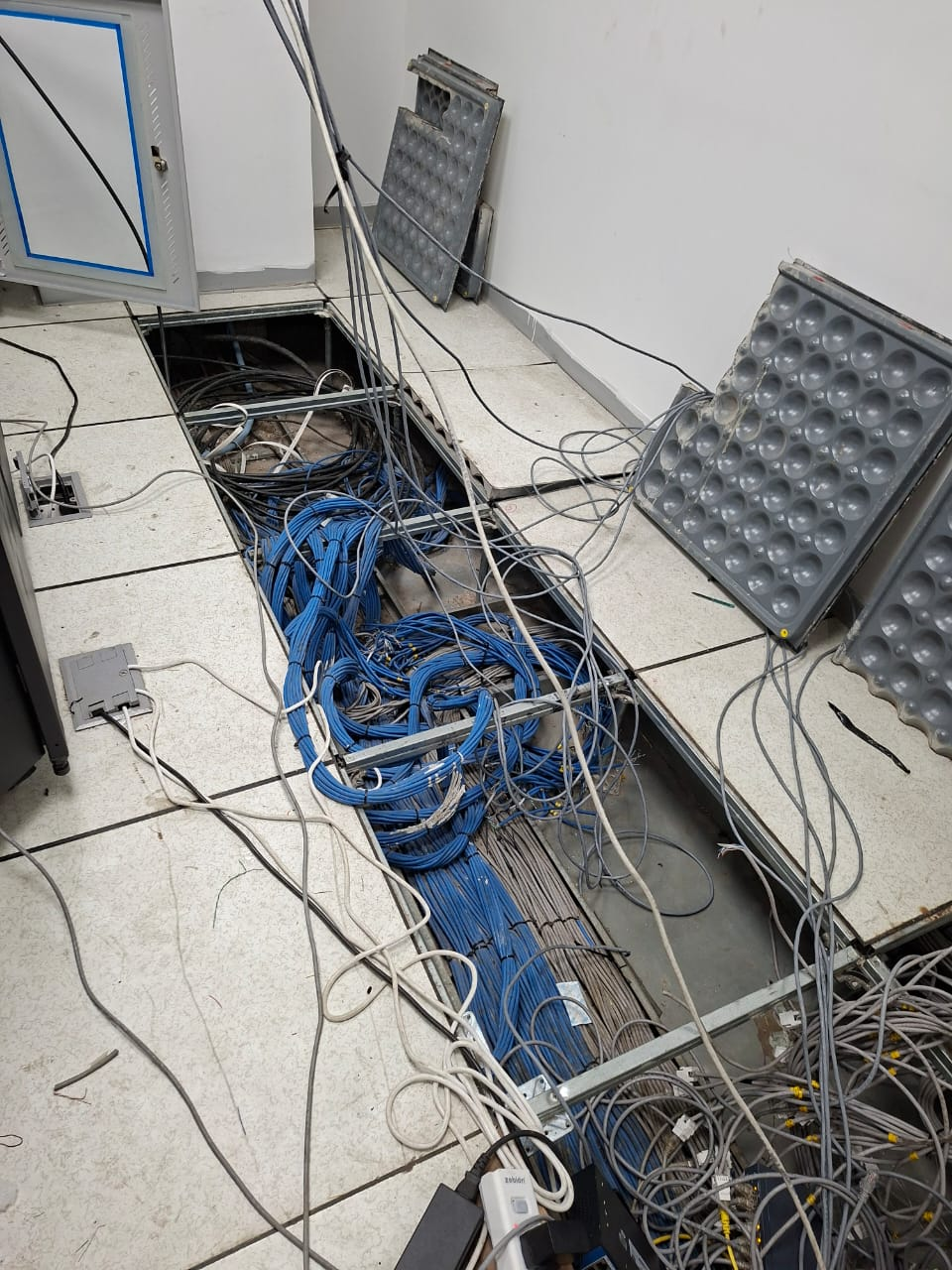
Enterprise infrastructure rollout — KRR Engineering Solutions, Tamil Nadu
25+ Enterprise Deployments Across South India
Digital signage, video walls, CMS – all delivered 100% in‑house.
Trusted Across Industries in India
Corporate Offices
Hospitals & Healthcare
Manufacturing
Retail Chains
Education
Hotels & Hospitality
Government & Civic
Technology Companies
“Layerix deployed a 40‑screen digital signage network across our factory floors with BrightSign players. The CMS is easy to use, and the remote monitoring means we're always aware of any offline screens. Live KPI dashboards from MES are a game‑changer.”
Operations Head
Manufacturing Plant, Chennai
“We installed video walls and wayfinding signage across our 5‑building campus. Layerix handled everything – displays, mounting, CMS, and content strategy. The campus now feels modern and professional.”
Facilities Director
Corporate Campus, Bengaluru
Frequently Asked Questions
Everything you need to know about digital signage.
What is the difference between a commercial display and a consumer TV for signage?+
Commercial displays are built for 24/7 operation, have better thermal management, support networked control (RS‑232, IP), and are certified for corporate/retail use. Consumer TVs are designed for home use, may lack professional connectivity, and aren't rated for continuous operation. For signage, commercial displays are the recommended choice.
What CMS (Content Management System) do you recommend for digital signage?+
We are vendor‑agnostic and work with BrightSign, Scala, Signagelive, Yodeck, and others. We recommend based on screen count, content complexity, integration needs (ERP/MES/API), and budget. For simple deployments, Yodeck or Signagelive; for enterprise, Scala or BrightSign.
What is a video wall and what are the bezel/calibration requirements?+
A video wall is a matrix of multiple displays tiled together to create a single large canvas. Bezel refers to the frame around each display – narrower bezels (1.8‑3.5mm) create a more seamless look. Calibration aligns colour, brightness, and ensures consistent image across all panels. Layerix provides video wall design, mounting, and calibration.
Can digital signage show live data from ERP or MES systems?+
Yes. Modern CMS platforms support data integration via APIs, SQL, or web feeds – enabling live KPIs, production metrics, inventory levels, and dashboards on factory floors and office lobbies. Layerix configures data‑feed integrations for industrial and corporate signage.
How do you manage a digital signage network with remote monitoring?+
We deploy cloud‑based CMS with remote monitoring – screen health checks, content delivery confirmation, offline alerts, and player status. This ensures you always know when a screen is offline or content isn't playing. We configure alerts and escalation workflows.
Do you provide warranties and AMC for digital signage systems?+
Yes. All hardware carries manufacturer warranty (1‑3 years). Layerix provides a 5‑year workmanship warranty on installation. Optional AMC contracts include proactive health checks, CMS updates, and 12×6 break‑fix support.
Our Success Stories
Real signage deployments across India



Ready to Deploy Your Digital Signage Network?
Book a signage assessment. Our engineers evaluate your spaces, recommend the right displays and CMS, and give you a fixed‑price proposal.
Response within 2 business hours · Pan‑India deployments · 100% in‑house team