

Conference Room AV
Teams · Zoom · Meet · Boardrooms
Microsoft Teams Rooms, Zoom Rooms, Google Meet – from huddle rooms to boardrooms. DSP, PTZ cameras, and one‑touch control. 100% in‑house, pan‑India.
Boardroom (10‑20+) · Training
Zoom Rooms · Google Meet
Ceiling Mics · Collaboration Bars
Poly · Yealink · Barco
Trusted by 30+ enterprises across India



Complete Conference Room AV Solutions
From huddle rooms to boardrooms – cameras, displays, audio, control, and UC platform integration. All delivered in‑house, pan‑India.

Huddle to Boardroom AV
Complete AV solutions for every room size – from 2‑person huddle rooms to 20+ person boardrooms with video walls and PTZ cameras.

PTZ & Wide‑Angle Cameras
AI‑tracking PTZ cameras for large rooms and wide‑angle cameras for small rooms. Auto‑framing, speaker tracking, and 4K resolution.

DSP & Audio Excellence
Digital Signal Processing with echo cancellation, noise suppression, and ceiling microphone arrays. Clear audio for every participant.

Collaboration Bars
All‑in‑one solutions for huddle rooms – Logitech Rally Bar, Poly Studio, Yealink. Camera, mic, speaker, and DSP in one device.

One‑Touch Control Systems
Crestron, Extron, or Q‑SYS touch panels – one button to start meetings, switch sources, and control room environment.

Microsoft Teams / Zoom Rooms
Certified deployments of Teams Rooms, Zoom Rooms, and Google Meet. Full ecosystem – panels, cameras, displays, and central management.
Why Enterprises Trust Our
AV Engineers
Conference room AV is not just about displays and cameras – it's about user experience, network integration, and reliability. We design systems that make meetings start with one touch and work every time.
Design‑Before‑Deploy
Room acoustics, display placement, camera angles, and cabling routes are designed on paper before any hardware is installed.
Zero Subcontracting
Every conference room AV project is installed by our own engineers – no third‑party AV subcontractors.
Network + AV One Team
We handle QoS, VLANs, and network integration – no finger‑pointing between separate network and AV teams.
Vendor‑Agnostic
We work with Crestron, Q‑SYS, Logitech, Poly, Yealink, Barco – we recommend the right fit, not a forced brand.
Full Documentation
AV schematics, cabling maps, IP addresses, and user guides – all delivered at handover.
AMC with Calibration
Annual maintenance contracts with proactive health checks, firmware updates, and 12×6 break‑fix support.
From Design to Deployment in 6 Steps
Requirements Discovery
Understand room usage, participant count, UC platform preference, and integration needs.
AV Design & Engineering
Display sizing, camera placement, audio coverage, DSP tuning, and network bandwidth planning.
Hardware Selection
Recommend displays, cameras, DSPs, controllers, and network equipment – vendor‑agnostic.
Installation & Cabling
100% in‑house team. Mounting, cabling, termination, and network configuration.
Configuration & Calibration
Room calibration, DSP tuning, control logic, and integration with UC platforms.
Testing & Handover
Every room tested for audio, video, and control. User training and documentation delivered.
Huddle vs Medium vs Boardroom – Which AV Solution?
| Feature | Huddle Room (2‑4) | Medium Room (5‑10) | Boardroom (10‑20+) |
|---|---|---|---|
| Display | 55‑65″ | 65‑85″ | 85″+ / Video Wall |
| Camera | Wide‑angle or Collaboration Bar | PTZ with auto‑framing | PTZ with AI‑tracking |
| Audio | Built‑in DSP (Bar) | Ceiling mics + DSP | Multiple ceiling mics + DSP |
| Control | Device buttons | Touch panel | Touch panel + automation |
| Relative Cost | ₹ | ₹₹ | ₹₹₹ |
*Layerix recommends the right solution based on room size, participant count, and meeting culture.
Real Conference Room Deployments
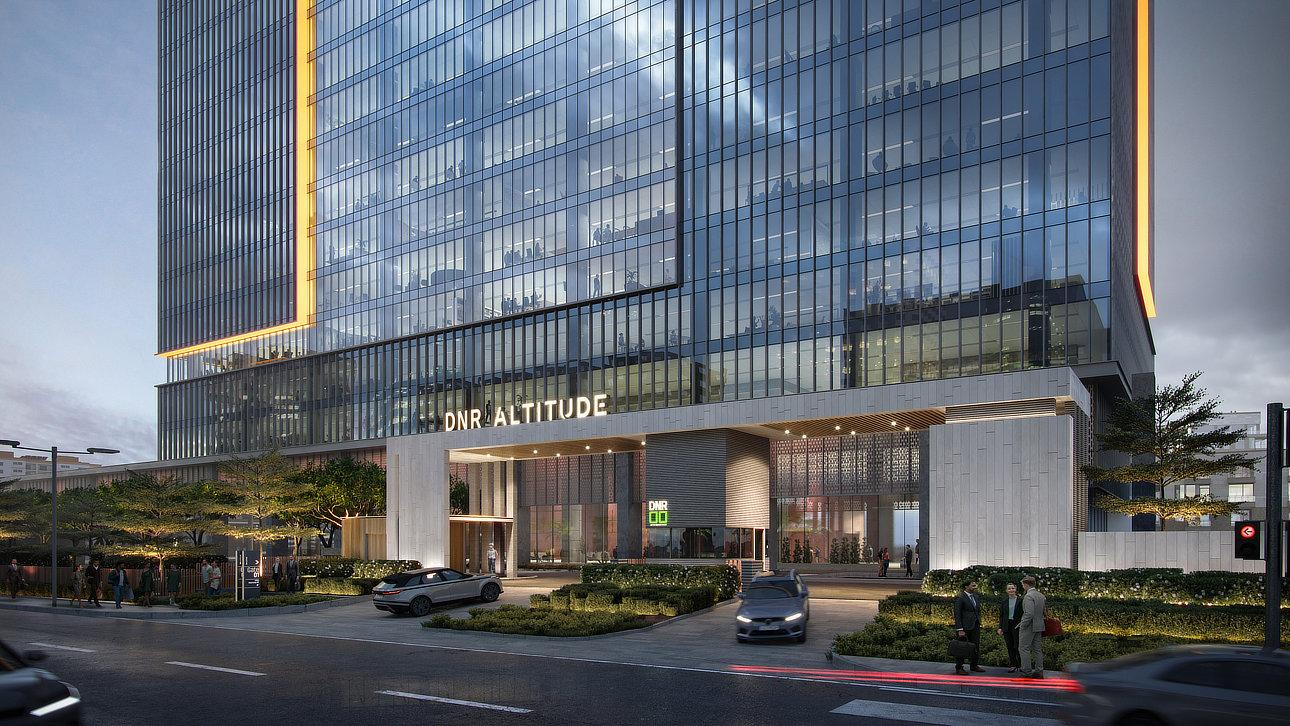
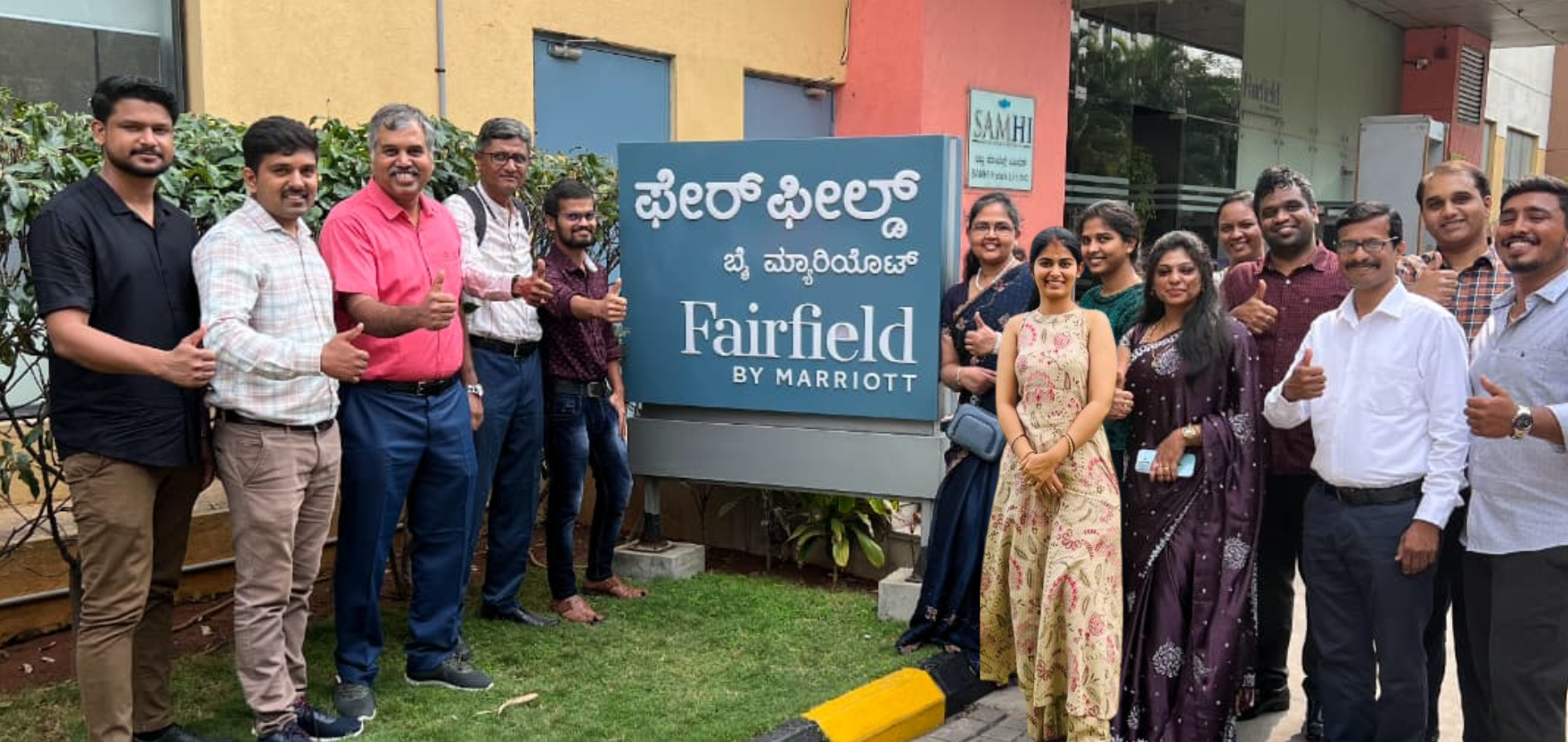
Live conference room AV installations across Karnataka and Tamil Nadu – corporate, healthcare, and technology campuses.
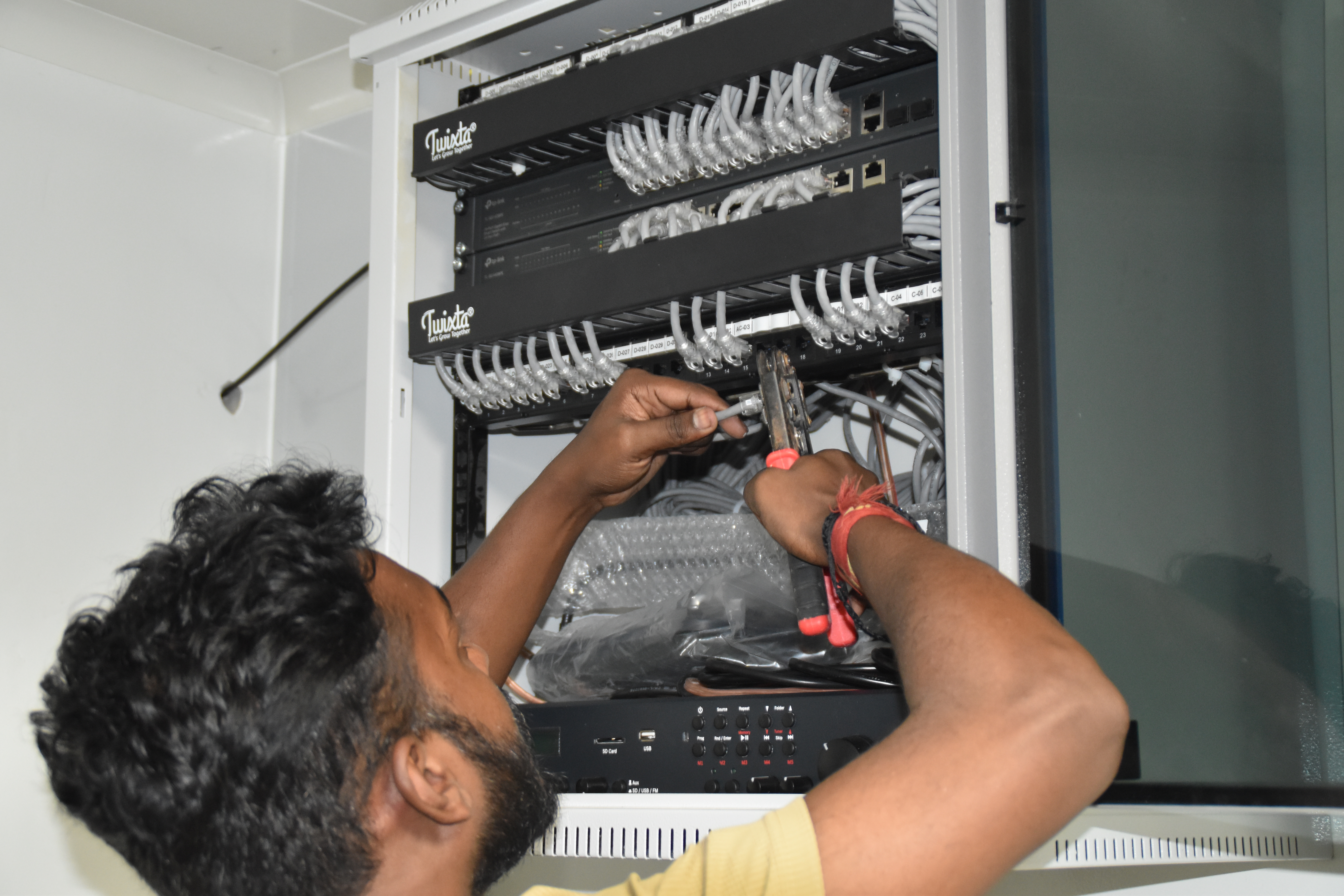
Resident IT engineer support — Yaas Technology Solutions, Karnataka
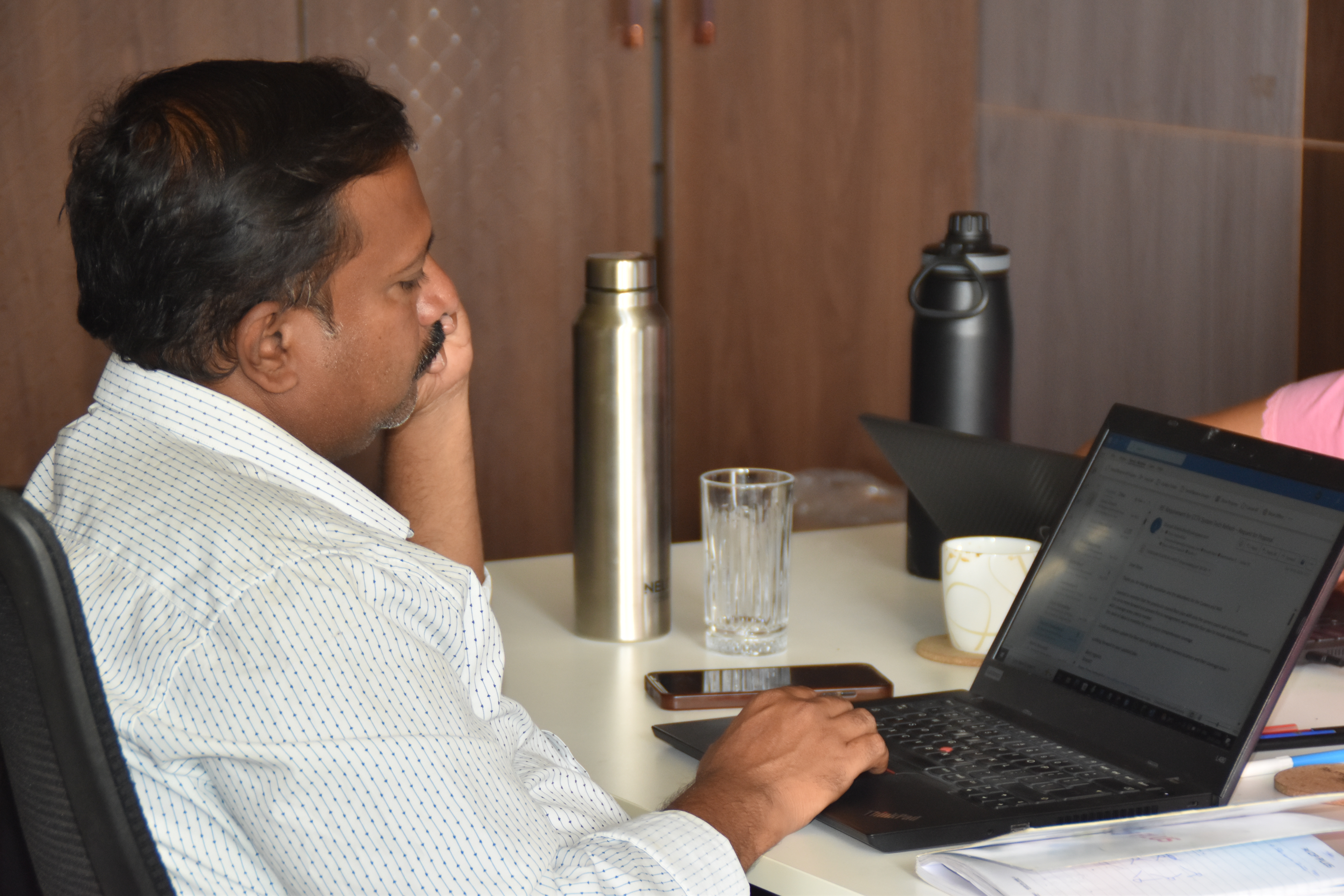
Enterprise WiFi deployment — Somerset Therapeutics, Karnataka
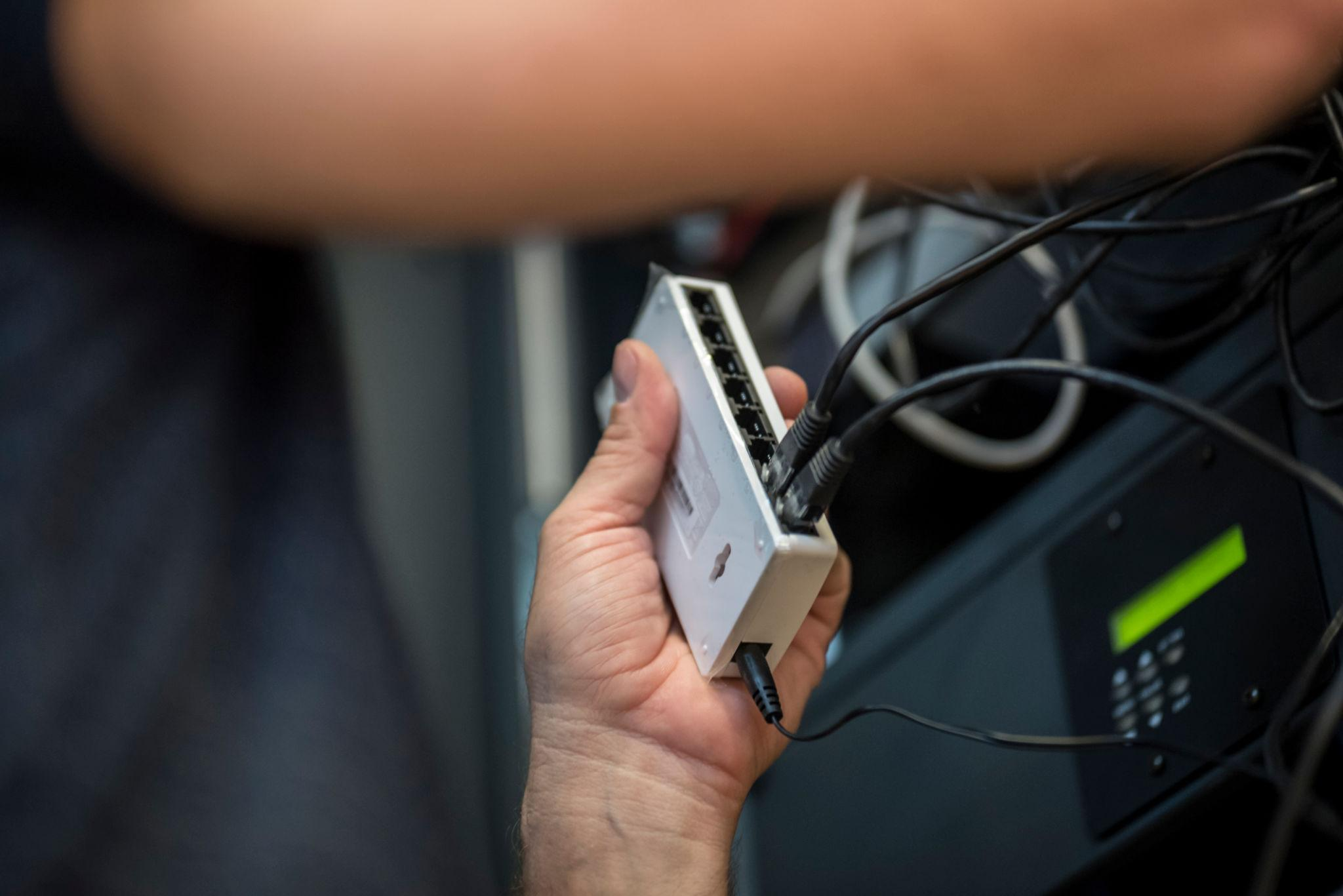
Structured cabling & CCTV infrastructure — Eriez, Tamil Nadu
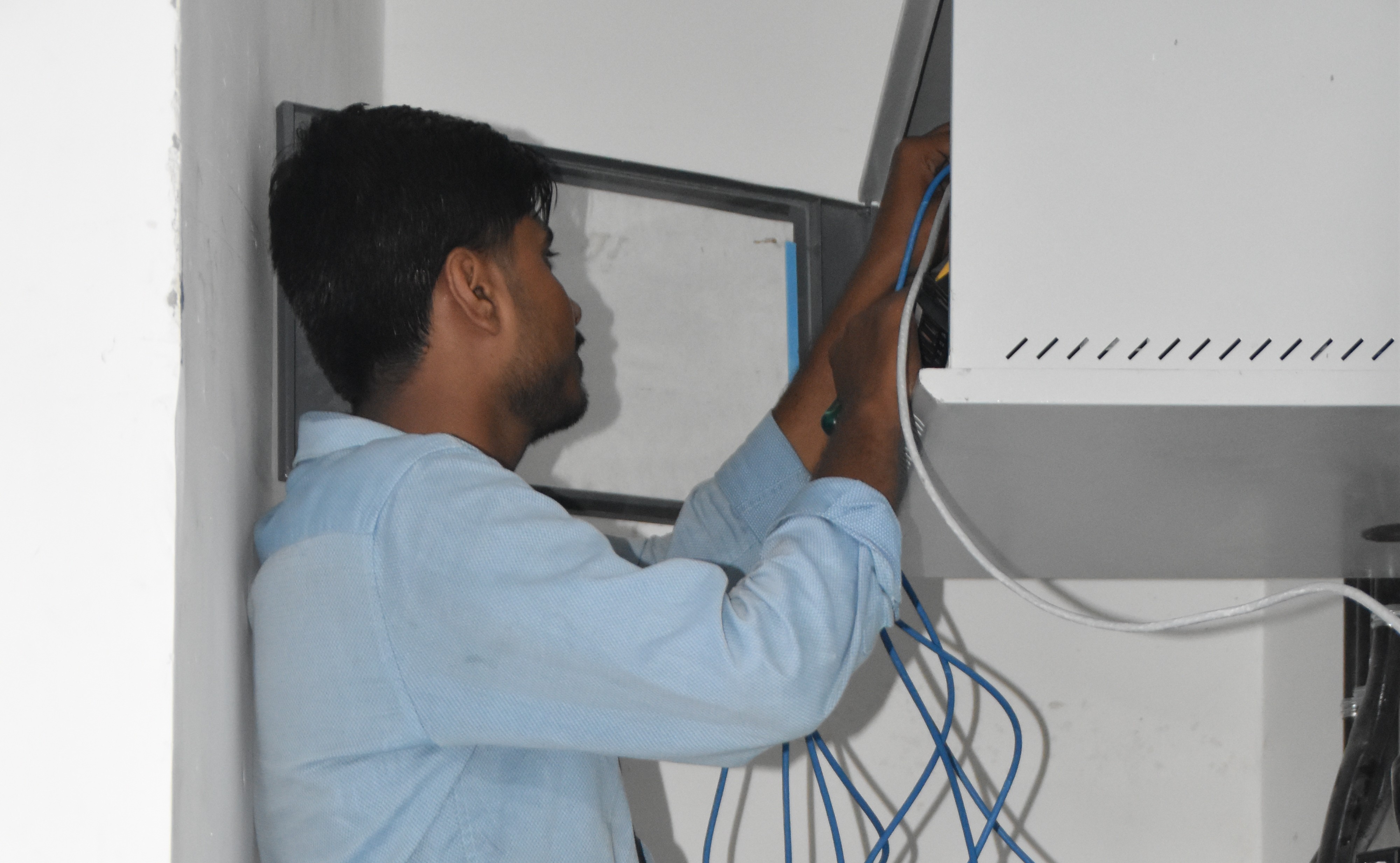
Break‑fix troubleshooting & stabilization — AEOS Labs, Karnataka
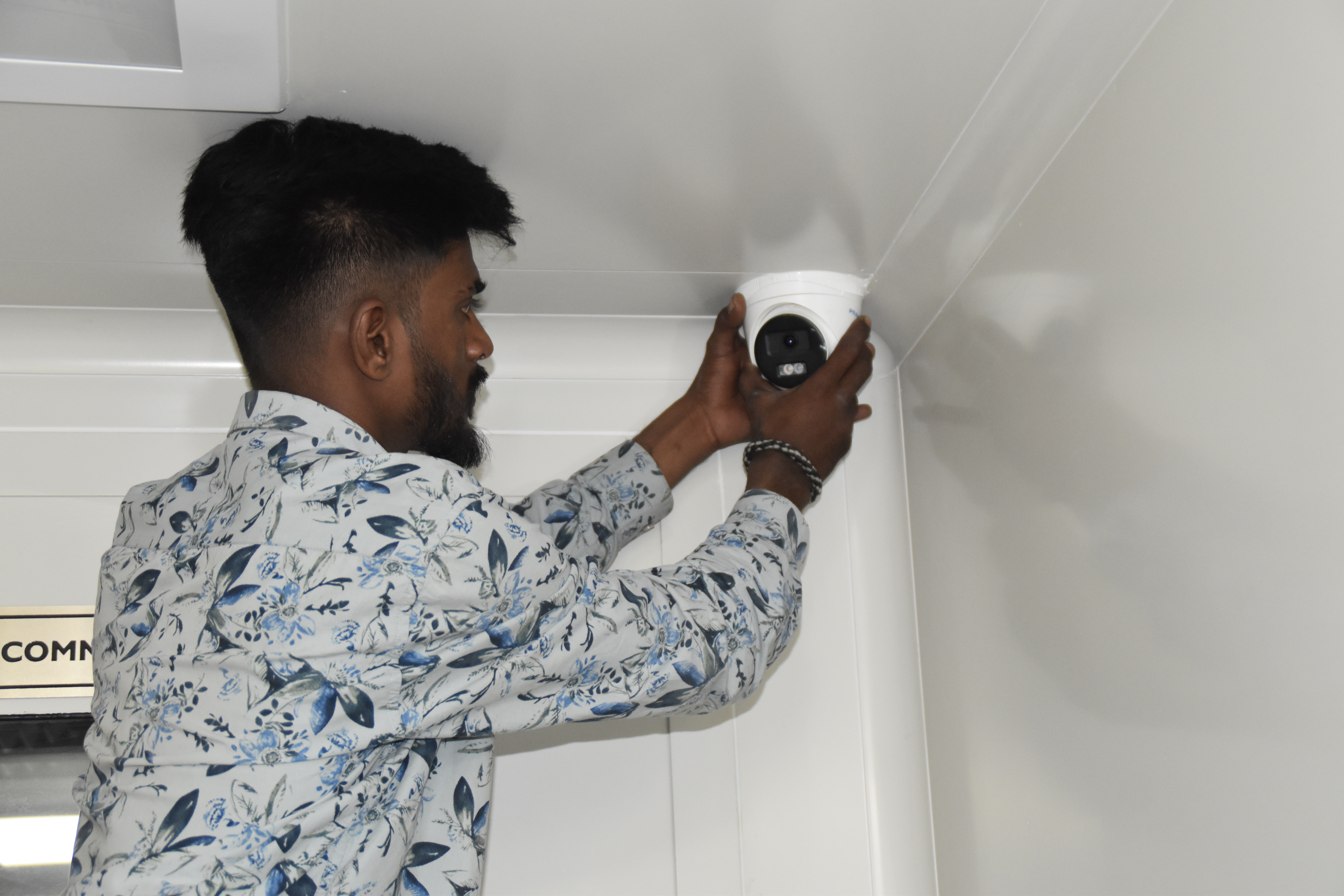
Healthcare network deployment — HCG Cancer Hospital Tower 6, Karnataka
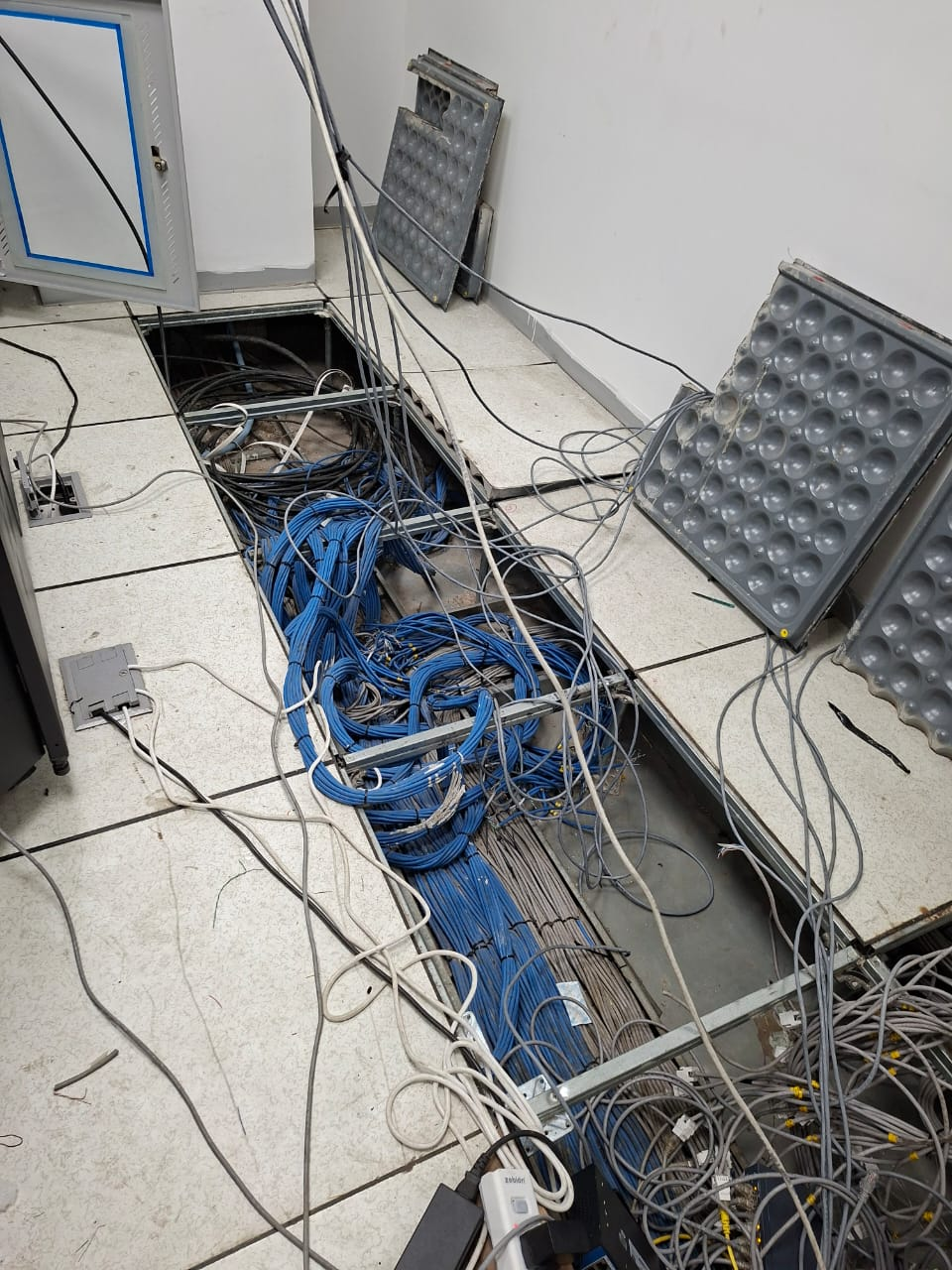
Enterprise infrastructure rollout — KRR Engineering Solutions, Tamil Nadu
25+ Enterprise Deployments Across South India
Conference room AV, Teams/Zoom Rooms, DSP, control – all delivered 100% in‑house.
Trusted Across Industries in India
Corporate Offices
Hospitals & Healthcare
Pharmaceuticals
Manufacturing
Technology Companies
Banking & Finance
Education
Hotels & Hospitality
“Layerix designed and installed 12 conference rooms across our 3 offices – Teams Rooms certified. The integration with our network was seamless, and the user experience is consistent across all rooms.”
IT Director
Corporate Office, Bengaluru
“Our boardroom now has a 98″ display, PTZ camera with AI‑tracking, and ceiling mics with DSP. Layerix delivered a professional installation with no subcontractors. Meetings start with one touch and always work.”
Head of Facilities
Financial Services Firm, Mumbai
Frequently Asked Questions
Everything you need to know about conference room AV.
What size display do I need for my conference room?+
Display size depends on room size and viewing distance. A rule of thumb: display height = viewing distance / 6. For a 10‑foot viewing distance, a 65‑85″ display is recommended. For huddle rooms (2‑4 people), 55‑65″ is typical. We provide exact sizing during the site assessment.
What is the difference between a PTZ camera and a wide‑angle camera?+
PTZ (Pan‑Tilt‑Zoom) cameras can be remotely controlled to follow speakers, zoom in, and pan across the room – ideal for large boardrooms. Wide‑angle cameras have a fixed field of view (typically 120‑150°) and are best for small to medium rooms where all participants are in frame. Layerix recommends based on room size and meeting style.
Do I need a DSP for a small huddle room?+
For huddle rooms (2‑4 people), many collaboration bars (Logitech Rally Bar, Poly Studio) have built‑in DSP that is sufficient. For rooms with 6+ people, ceiling microphones, or complex audio setups, a dedicated DSP (Q‑SYS, Biamp) is recommended for echo cancellation, noise suppression, and audio mixing. Layerix advises based on your room acoustics and participant count.
What is the difference between HDBaseT and HDMI for AV connectivity?+
HDBaseT extends HDMI signals over a single Cat6 cable up to 100 metres, with power, control, and Ethernet – ideal for long cable runs in boardrooms. HDMI is limited to 15 metres (passive) or 30 metres (active) before signal degradation. For clean installations with displays away from sources, HDBaseT is the preferred choice.
How do you manage 10+ conference rooms from one console?+
We deploy centralised management platforms – Microsoft Teams Admin Center, Zoom Admin, or third‑party tools like Crestron XiO Cloud or Q‑SYS. This allows remote monitoring, firmware updates, device health checks, and user analytics from a single dashboard.
Do you provide warranties and AMC for AV systems?+
Yes. All hardware carries manufacturer warranty (1‑3 years). Layerix provides a 5‑year workmanship warranty on cabling and installation. Optional AMC contracts include proactive health checks, firmware updates, calibration, and 12×6 break‑fix support.
Our Success Stories
Real conference room deployments across India


Ready to Transform Your Meeting Rooms?
Book a AV assessment. Our engineers analyse your rooms, recommend the right solutions, and give you a fixed‑price proposal.
Response within 2 business hours · Pan‑India deployments · 100% in‑house team