

Enterprise IP CCTV
4K/8K · PoE · In‑House Engineers
IP CCTV cameras, NVR/DVR, structured cabling, and VMS integration. 100% in‑house installation – no subcontracting – pan‑India.
Indoor / Outdoor / IP67
H.265 compression
Motion‑triggered / 24/7
Access Control · ANPR
Trusted by 30+ enterprises across India






Complete IP CCTV Infrastructure
From cameras and cabling to storage and VMS integration – all delivered in‑house, pan‑India.

Dome, Bullet & PTZ Cameras
Dome for indoor/ceilings, bullet for long‑range outdoor, PTZ for pan‑tilt‑zoom control. 4K/8K resolution, H.265, IP67 weatherproof.

Fisheye 360° Cameras
180°/360° panoramic cameras for wide‑area coverage – lobbies, warehouses, retail. Digital PTZ and dewarping included.
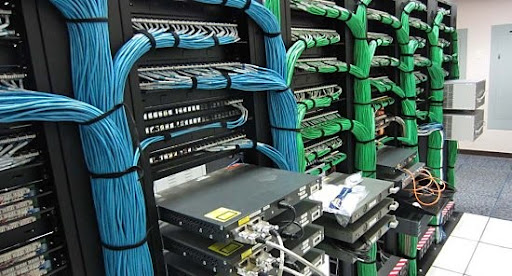
PoE Switches & Structured Cabling
PoE/PoE+ switches power cameras over Ethernet. Structured Cat6 cabling – design, pulling, termination, and testing.

NVR / DVR & Storage Planning
Network Video Recorders (NVR) and DVRs sized for retention policy. H.265 compression, RAID, and remote access.
VMS Integration & Mobile Viewing
Milestone, Genetec, Avigilon, and other VMS platforms. Remote viewing on iOS/Android with user role management.

AMC & Health Monitoring
Annual maintenance contracts with proactive health checks, firmware updates, storage audits, and 12×6 break‑fix support.
Why Enterprises Choose Our
CCTV Engineers
A camera is not a security system. Security is knowing what every camera captures, how it's stored, and how alerts are acted upon. We design systems that give you complete visibility – across every site, every camera, every shift.
Design Before Install
Camera placement, coverage maps, storage calculations, and network topology are designed on paper before a single cable is pulled.
Zero Subcontracting
Every CCTV project is installed by our own engineers. No third party touches your security infrastructure.
Single‑Scope Delivery
Cameras, cabling, storage, VMS, and integration – all from one team. No coordination between separate contractors.
Vendor‑Agnostic
We work with Hikvision, Dahua, Axis, Avigilon, and others – we recommend the right fit, not a single brand.
Full Documentation
Camera cover maps, storage calculations, network diagrams, and user manuals – all delivered at handover.
AMC with Health Monitoring
Annual maintenance contracts with proactive health checks, firmware updates, and 12×6 break‑fix support.
From Survey to Handover in 6 Steps
Site Survey
Walk every area, identify coverage gaps, understand lighting, power, and network availability.
Design & Camera Selection
Camera type (dome/bullet/PTZ/fisheye), resolution, lens, and placement – with coverage maps.
Storage & Network Planning
NVR sizing, retention policy, PoE switch capacity, and network bandwidth calculation.
Installation & Cabling
100% in‑house team. Camera mounting, structured cabling, and power/network termination.
VMS Configuration & Integration
VMS setup, user roles, remote access enabling, and integration with access control if required.
Testing & Handover
Every camera tested, coverage verified, remote access enabled, and documentation delivered.
Camera Types – Which One Do You Need?
| Feature | Dome | Bullet | PTZ | Fisheye |
|---|---|---|---|---|
| Best For | Indoor, ceilings, offices, retail | Outdoor, long‑range, parking lots | Large areas, active tracking, zoom | 360° coverage, lobbies, warehouses |
| Resolution | 4K/8K | 4K/8K | 4K/8K | 4K/8K |
| Field of View | Fixed, 60‑90° | Fixed, 30‑90° | Pan‑Tilt‑Zoom (360° pan) | 180° / 360° |
| Weatherproof | Indoor only (IP40) | IP67 / Outdoor | IP66 / Outdoor | Indoor only (IP40) |
| Relative Cost | ₹ | ₹₹ | ₹₹₹₹ | ₹₹₹ |
*Costs are indicative and depend on resolution, brand, and site conditions. Layerix provides a fixed BOQ after site survey.
Real CCTV Deployments
Live enterprise CCTV deployments across Karnataka and Tamil Nadu – corporate offices, manufacturing, healthcare, and IT parks.
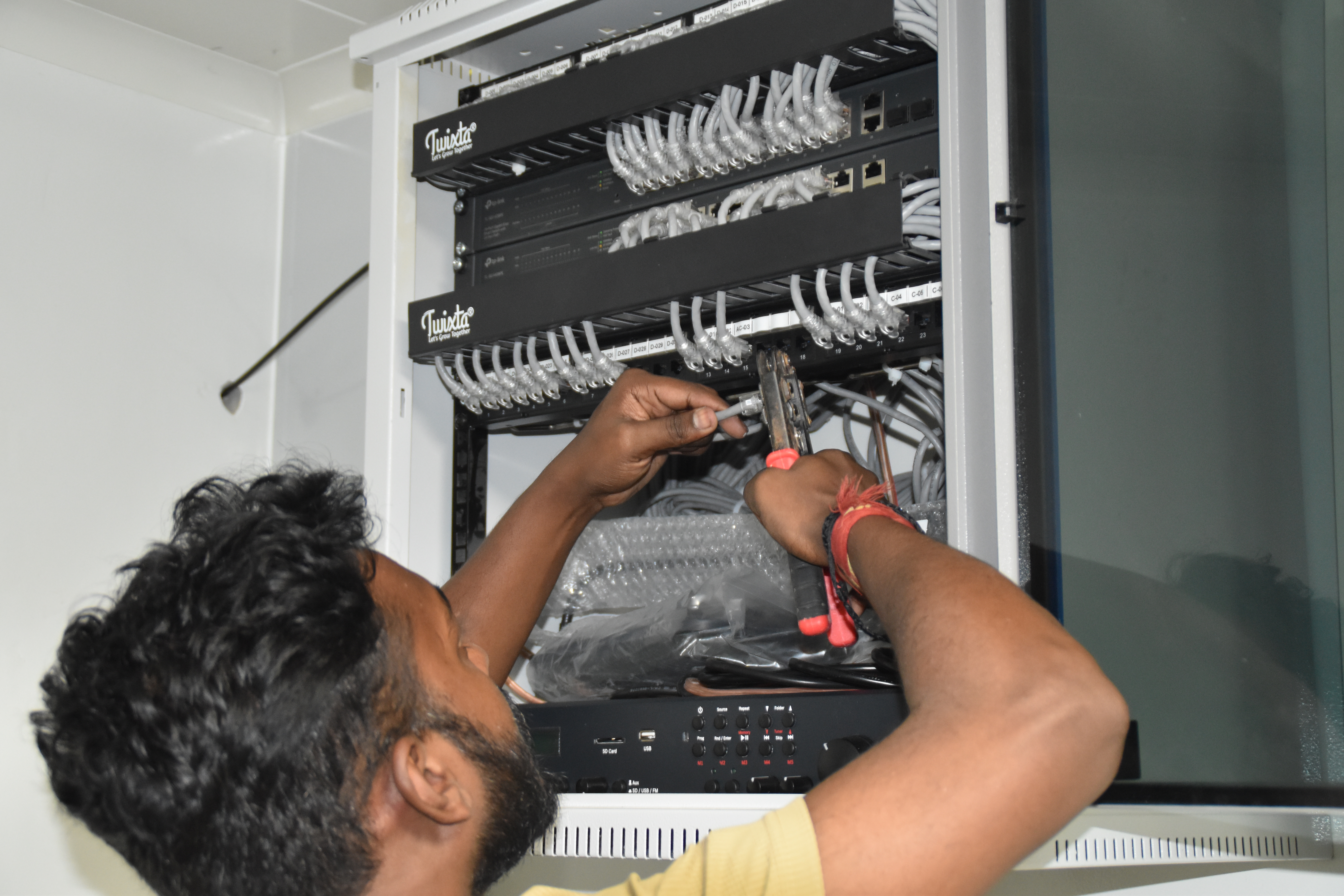
Resident IT engineer support — Yaas Technology Solutions, Karnataka

Enterprise WiFi deployment — Somerset Therapeutics, Karnataka
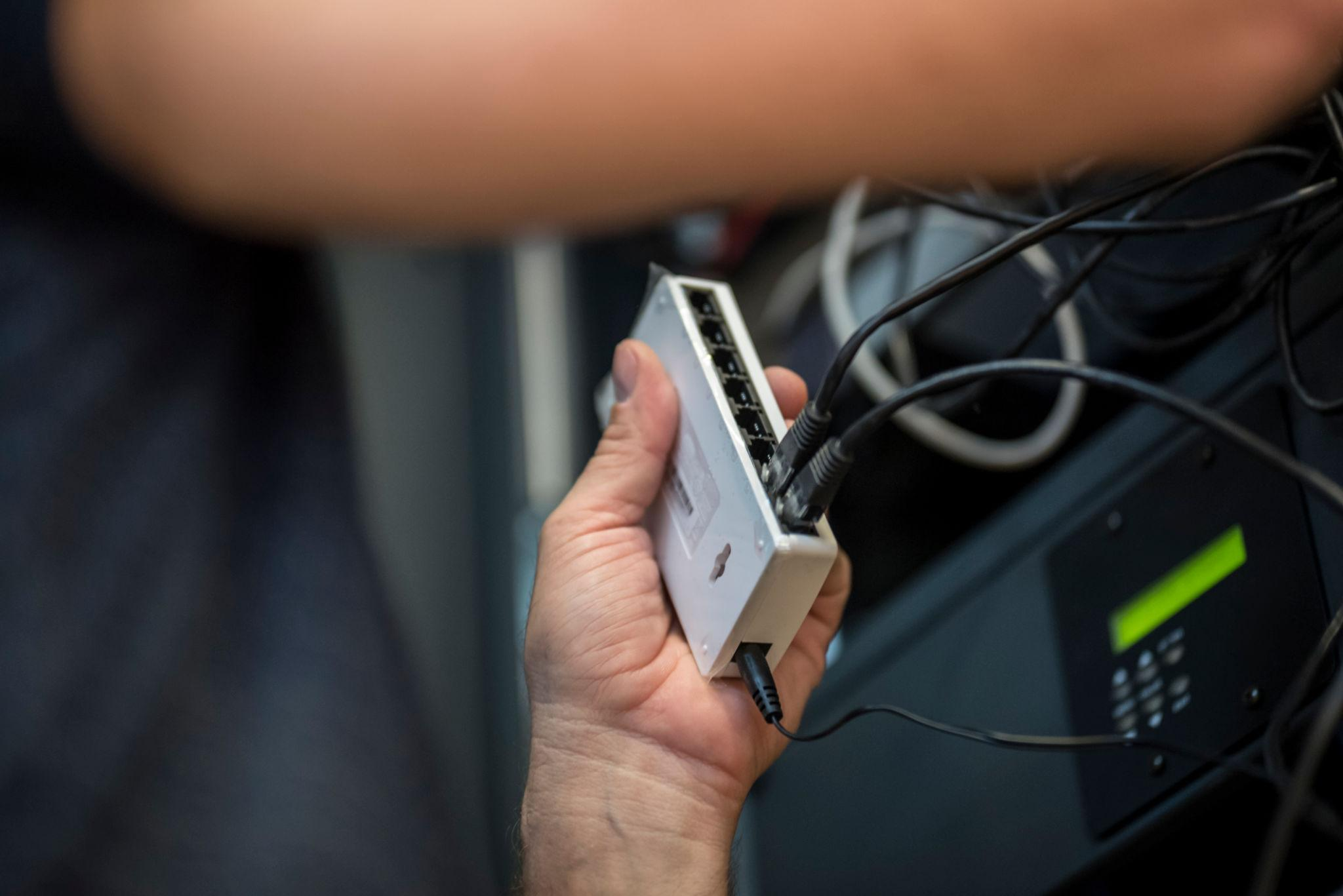
Structured cabling & CCTV infrastructure — Eriez, Tamil Nadu
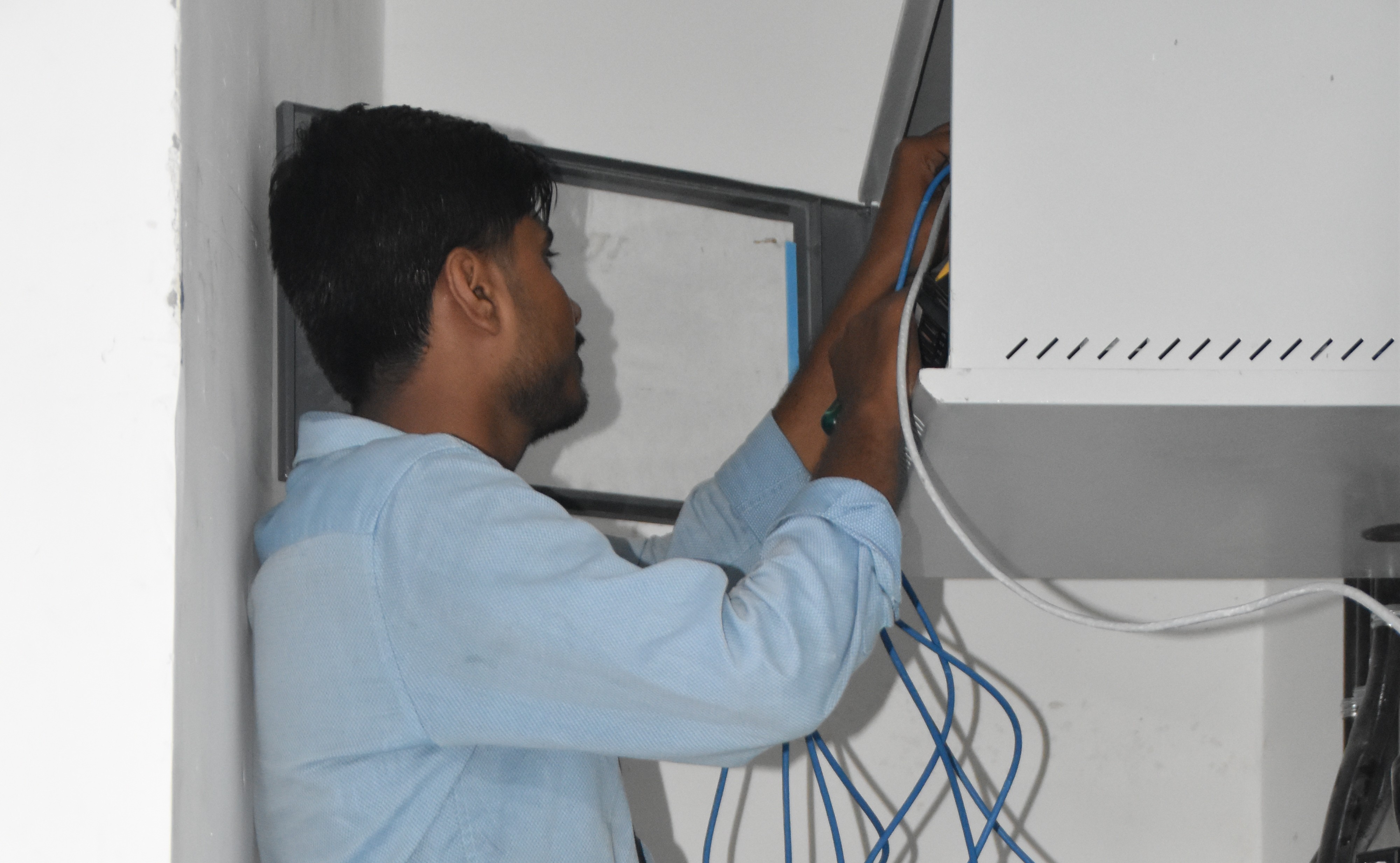
Break‑fix troubleshooting & stabilization — AEOS Labs, Karnataka
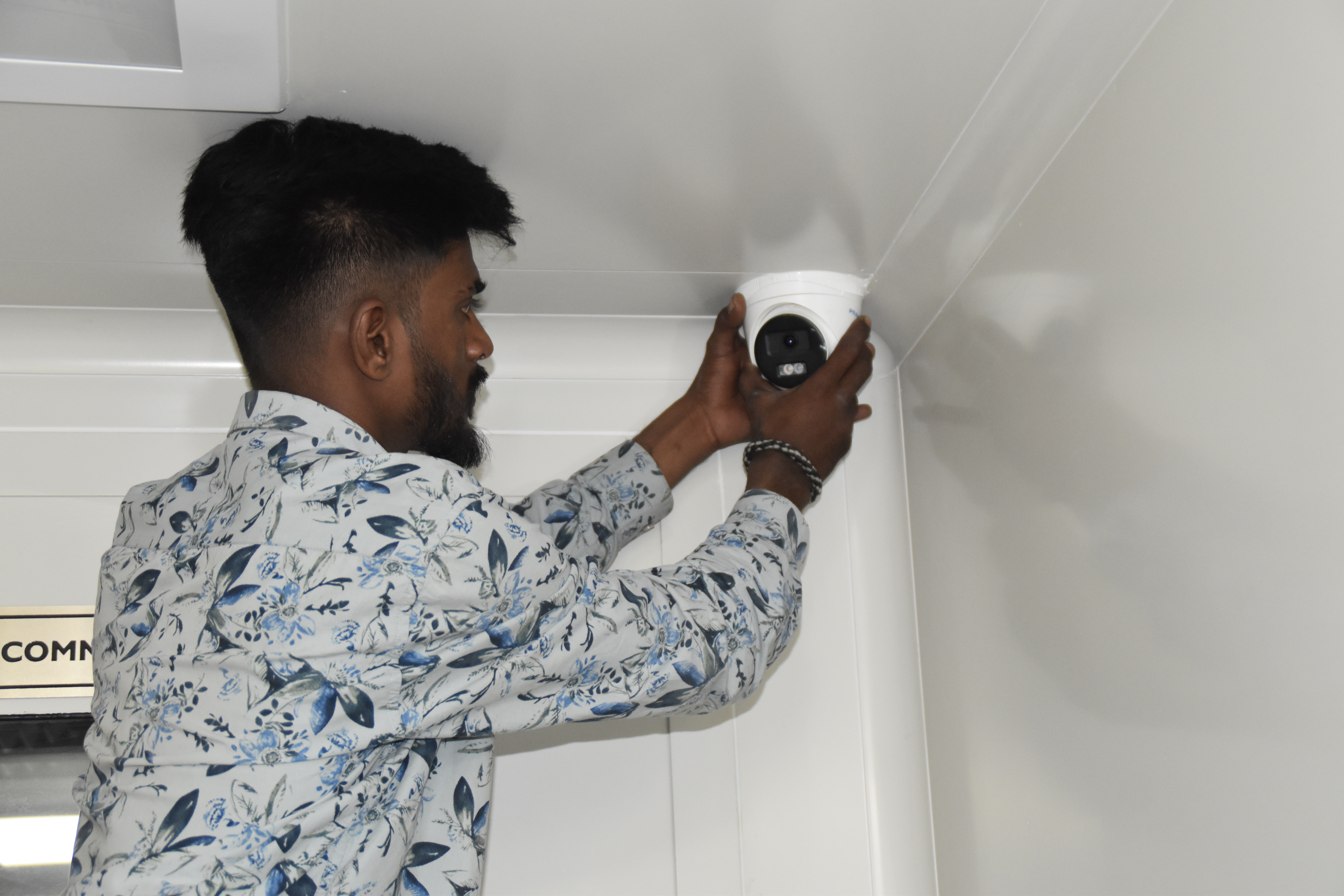
Healthcare network deployment — HCG Cancer Hospital Tower 6, Karnataka
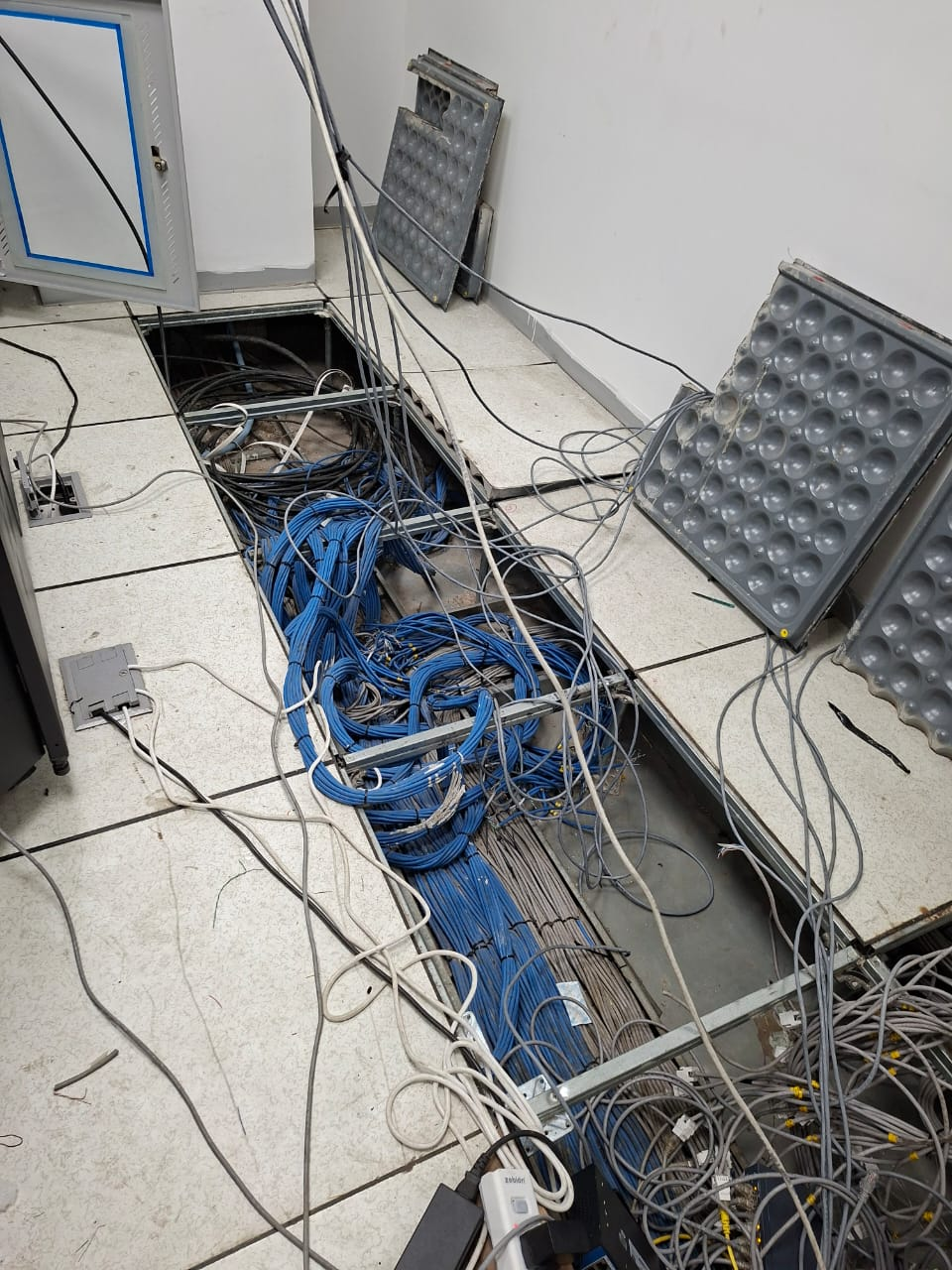
Enterprise infrastructure rollout — KRR Engineering Solutions, Tamil Nadu
25+ Enterprise Deployments Across South India
IP CCTV, cabling, storage, and VMS – all delivered 100% in‑house.
Trusted Across Industries in India
Corporate Offices
Hospitals & Healthcare
Pharmaceuticals
Manufacturing
Technology Parks
Banking & Finance
Education
Hotels & Hospitality
“Layerix installed 80 IP cameras across our 3‑building corporate campus with Milestone VMS. Coverage maps were perfect, cabling was clean, and remote access works flawlessly.”
IT Director
Corporate Office, Bengaluru
“We needed 4K cameras for our warehouse with 90‑day retention. Layerix sized the NVR perfectly, and the installation was completed in 4 days. Excellent documentation.”
Operations Head
Logistics Company, Mumbai
Frequently Asked Questions
Everything you need to know about IP CCTV systems.
What is the difference between IP CCTV and analog CCTV?+
IP CCTV uses digital cameras that transmit video over a network (Ethernet) with PoE, offering higher resolution (4K/8K), remote access, advanced analytics, and flexible scalability. Analog CCTV uses coaxial cables with lower resolution and limited remote capabilities. For new enterprise installations, IP CCTV is the standard recommendation.
How many CCTV cameras do I need for my office?+
Camera count depends on area size, layout, and security requirements. A typical rule of thumb: one camera per 500–800 sq.ft. for general coverage, with additional cameras for entrances, corridors, and high‑value zones. Layerix provides a site survey and design proposal with exact camera placement and coverage maps.
What resolution should I choose – 2MP, 4MP, 8MP (4K) or 8K?+
Higher resolution provides sharper images and better digital zoom. For most enterprise applications, 4MP (1440p) or 8MP (4K) is recommended for identifying faces and number plates. 8K (33MP) is for critical infrastructure but comes with higher storage and bandwidth costs. Layerix recommends based on your environment and budget during the site survey.
What is the typical storage requirement for 4K CCTV?+
Storage depends on camera resolution, number of cameras, recording schedule (24/7 vs. motion‑triggered), and retention period. A typical estimate: one 4K camera at 10fps H.265 consumes ~1–2 TB per month. Layerix calculates exact storage and recommends NVR/DVR capacity during the design phase.
Can CCTV integrate with access control systems?+
Yes. Modern VMS platforms (Milestone, Genetec, Avigilon) support integration with access control. This enables unified security management – e.g., triggering a camera recording when an access denial occurs, or linking door events to video footage. Layerix delivers both CCTV and access control from a single team.
Do you provide warranties and AMC for CCTV systems?+
Yes. All hardware carries manufacturer warranty (1‑3 years). Layerix provides a 5‑year workmanship warranty on cabling and installation. Optional AMC contracts include proactive health checks, remote monitoring, firmware updates, and break‑fix support with a 12×6 SLA.
Our Success Stories
Real CCTV deployments across India






Ready to Deploy Enterprise‑Grade CCTV?
Book a site survey. Our engineer walks your facility, recommends the right cameras and storage, and gives you a fixed‑price proposal.
Response within 2 business hours · Pan‑India deployments · 100% in‑house team