
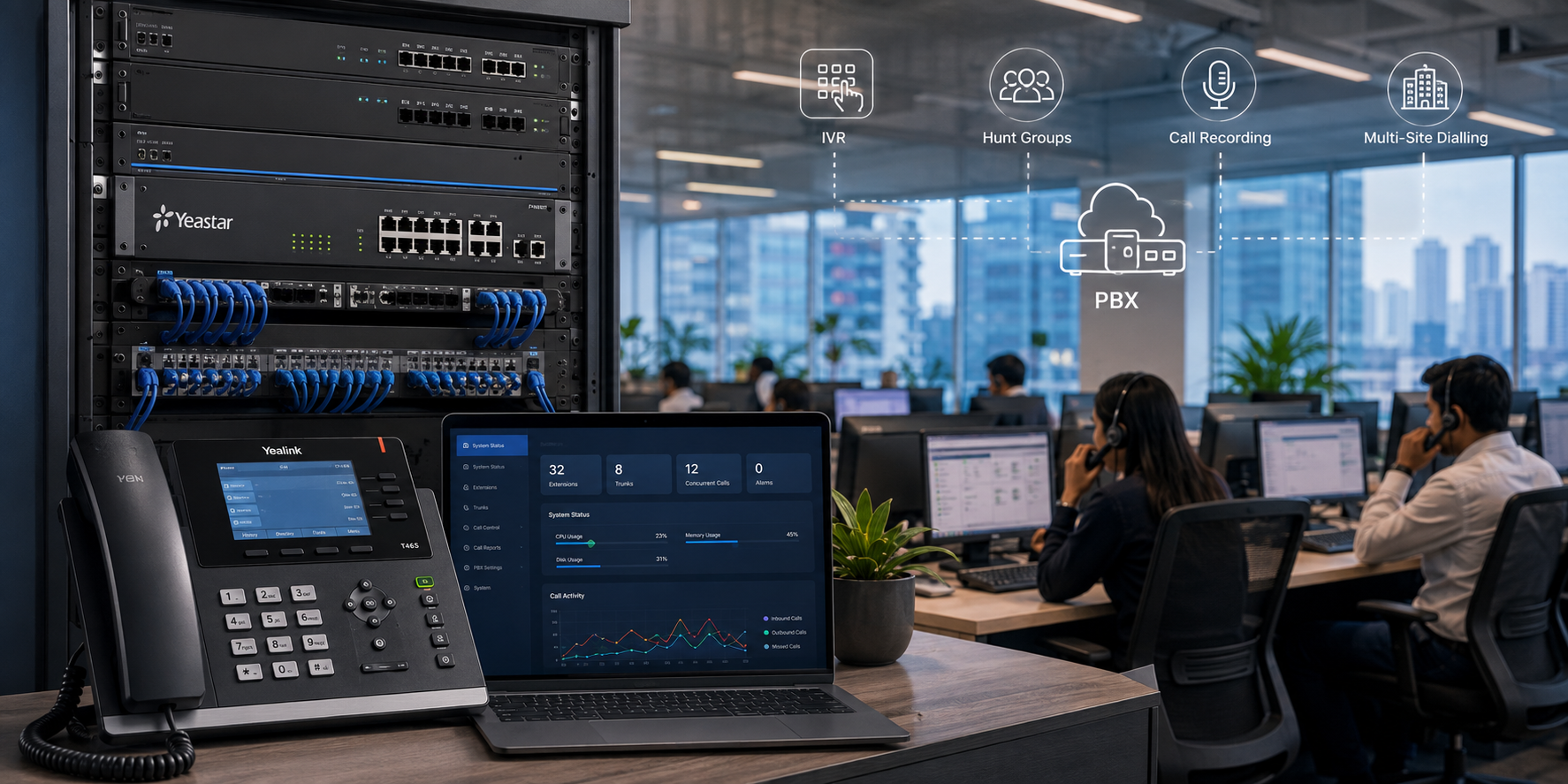
Digital PBX Installation
One System. Every Call. Total Control.
Enterprise‑grade PBX design, installation, and configuration — IVR, hunt groups, call recording, and multi‑site dialling, all configured to your exact requirements.
Trusted by 30+ enterprises across India — connecting every PBX extension with zero compromise






Why Enterprises Choose Layerix for
PBX Deployment
We don’t just plug in a box. We design, cable, configure, and test every feature — from IVR to call recording — with zero subcontracting.

Design Before Deploy
Dial plan, extension scheme, and call flow are fully documented before any hardware is ordered.
Zero Subcontracting
The engineer who designs your PBX is the same person who installs and configures it.
Cabling + PBX as One Scope
We handle PoE switches and cabling alongside PBX — no finger‑pointing between contractors.
Multi‑Vendor Capability
Panasonic, Grandstream, Yealink, Cisco, Avaya — we deploy the platform that fits your scale and budget.
Full Documentation
Extension directory, dial plan, admin credentials, and as‑built drawings delivered at handover.
AMC & Break‑Fix Support
Ongoing support through annual maintenance contracts or on‑demand break‑fix response.
PBX Installation Process
Site Survey
Count extensions by floor and department. Map external line requirements. Document failover needs.
System Design
Platform selection, dial plan, numbering scheme, IVR call flows, and BOQ — all documented.
Infrastructure Prep
Cabling, PoE switches, and rack space prepared before PBX arrives.
PBX Installation
Rack-mounted, powered, and configured — every feature tested in isolation.
Trunk & Line Integration
SIP trunks or PRI connected, inbound/outbound call tested, failover verified.
Handover & Training
Admin trained, user guides delivered, extension directory documented.
Full Scope of Work
PBX Features We Configure & Deliver
Auto-Attendant & IVR
Greet callers professionally, route them by department, and handle after-hours calls automatically.
Hunt Groups & Call Queues
Distribute inbound calls across teams. No caller goes unanswered — with queue music and agent status.
Voicemail & Voicemail-to-Email
Per-extension voicemail with email delivery — no missed messages, even when staff are away.
Call Recording
Record by extension, group, or all calls — for compliance, training, and dispute resolution.
Multi-Site Dialling
Dial between offices on short codes — no external call charges, seamless experience.
Call Reporting & CDR
Call detail records and reports — who called, when, for how long, and to which extension.
Mobile & Softphone Integration
Extend your PBX to mobile phones and desktop clients — staff reachable anywhere.
DID & Number Management
Assign direct inward dial numbers per extension or department — full control of your number block.
Platform Selection Guide
| Platform | Best For | Strength |
|---|---|---|
| Panasonic KX Series | SMB to mid-enterprise | Reliability, wide availability, large ecosystem |
| Grandstream UCM | IP-first SMB deployments | Feature-rich, cost-effective, open SIP |
| Yealink IPPBX | Pure IP environments | Deep IP phone integration, cloud option |
| Cisco Unified CM | Large enterprise, Cisco networks | Scalability, security, integration depth |
| Avaya IP Office | Mid to large enterprise | Unified communications, contact centre |
Layerix is vendor‑neutral. We recommend the right platform for your environment.
✓ 150‑Extension PBX Deployment — Corporate Office, Bengaluru
IVR, Hunt Groups, Call Recording, Multi‑Site Dialling Configured
Completed in 3 working days with zero disruption to live operations. Full documentation and admin training delivered.
Real PBX Deployments
Every photo is from an actual Layerix installation. No stock imagery. No subcontractors.
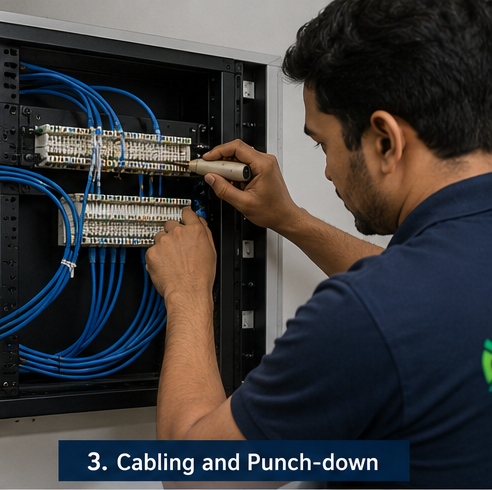
PBX rack installation
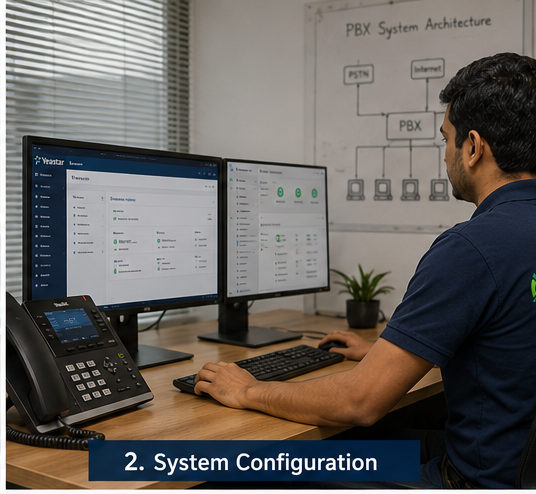
System configuration
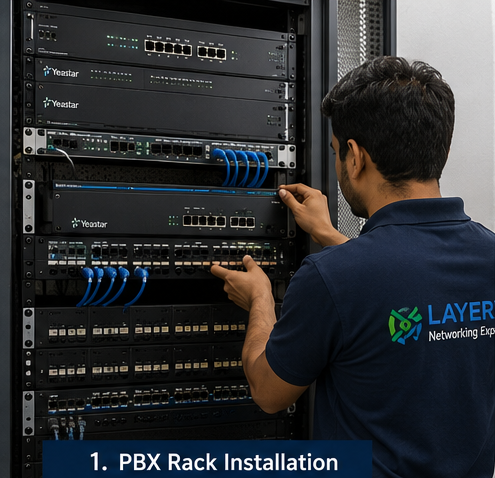
Cabling and punch-down
50+ PBX Deployments Across India
Digital and IP PBX systems installed in offices, hospitals, hotels, and manufacturing plants — all by our own team.
PBX Solutions for Every Sector
Corporate Offices
Multi‑floor, multi‑department PBX
Healthcare
Nurse stations, emergency lines
Hotels & Hospitality
Front desk, guest room phones
Manufacturing
Factory floor & admin extensions
Commercial Real Estate
Multi‑tenant PBX per floor
Pharmaceuticals
Cleanroom & lab communications
Education
Campus‑wide telephony
Banking & Finance
Compliant call recording
Digital PBX Questions
Everything about PBX design, installation, and features.
What is a PBX and why does my business need one?+
A PBX (Private Branch Exchange) is the system that manages all telephone calls within your organisation — routing internal calls between extensions without using external lines, and connecting to outside telephone networks for external calls. Without a PBX, every phone in your office would need its own telephone line. A PBX lets dozens or hundreds of users share a small number of external lines, adds features like IVR and hunt groups, and dramatically reduces your monthly telephone bill.
What is the difference between a digital PBX and an IP PBX?+
A digital PBX uses proprietary digital signalling over dedicated telephone cabling to connect phones — reliable and proven, but less flexible. An IP PBX uses standard Ethernet cabling and SIP protocol — phones connect through your data network, softphones work on laptops and mobile phones, and configuration is done through a web browser. Layerix deploys both, and can bridge existing digital systems with new IP infrastructure during phased upgrades.
How many extensions can a PBX support?+
Entry-level systems support 8–32 extensions. Mid-range platforms support 50–300. Enterprise systems scale to thousands of extensions across multiple sites. We size the platform for your current headcount plus planned growth — and document the capacity in the design before any hardware is ordered.
Can the PBX support staff working from home or remotely?+
Yes. IP PBX systems support remote extensions through VPN or direct SIP registration over the internet. Remote staff can use a desk phone, a softphone on their laptop, or a mobile app — and they appear as a normal extension to anyone calling them internally.
What is an IVR and how do we set it up?+
An IVR (Interactive Voice Response) is the auto-attendant that greets callers and routes them — 'Press 1 for Sales, Press 2 for Support.' Layerix records or imports your greeting audio, builds the call flow in the PBX, and tests every path before handover. Changes to IVR menus after handover are made through the admin web interface, which we train you to use.
Can you integrate call recording for compliance?+
Yes. Call recording can be configured per extension, per group, or all-calls. Recordings are stored locally on the PBX or on a separate server. For financial services or call centres with compliance requirements, we configure recording to meet your specific retention and access control policies.
What happens to calls if the PBX goes offline?+
We configure failover routes for every deployment where uptime is critical — typically routing calls to mobile numbers or a secondary site if the primary PBX is unreachable. SIP trunk providers also support failover routing at their end. We test failover before handover on every project.
Can we keep our existing phone numbers?+
Yes — number porting moves your existing numbers to your new SIP trunk provider. We assist with the technical configuration required on the PBX to receive ported numbers. The porting process is between you and your telecom provider, but we coordinate the technical requirements on your behalf.
How long does a PBX installation take?+
A small office system (up to 30 extensions) typically takes 1–2 days. A 100-extension deployment takes 3–5 days. Large or multi-site projects are scoped individually. We provide a project timeline before work begins.
Do you supply the PBX hardware or only install?+
Both. Layerix can supply and install, or install hardware you have procured. We are experienced with Panasonic, Grandstream, Yealink, Cisco, and Avaya — and we recommend the right platform for your scale and budget.
What ongoing support do you offer after installation?+
We offer AMC contracts covering firmware updates, configuration changes, fault response, and annual system health checks. We also offer Break Fix response for one-off incidents, and Resident Manager or Service Manager engagements for larger enterprises that need ongoing dedicated support.
Our PBX Success Stories
Real outcomes from enterprises across India























METEC Design and Construction Engineers India Private Limited
India




















Ready to Transform Your Business Telephony?
Book a PBX consultation. We'll map your extension requirements, recommend the ideal platform, and deliver a fixed‑price proposal — no obligation.
Response within 4 business hours · Pan‑India deployments · Panasonic, Grandstream, Yealink certified