
NAS for Business: Complete Guide to Storage, Backup, Security & Remote Access
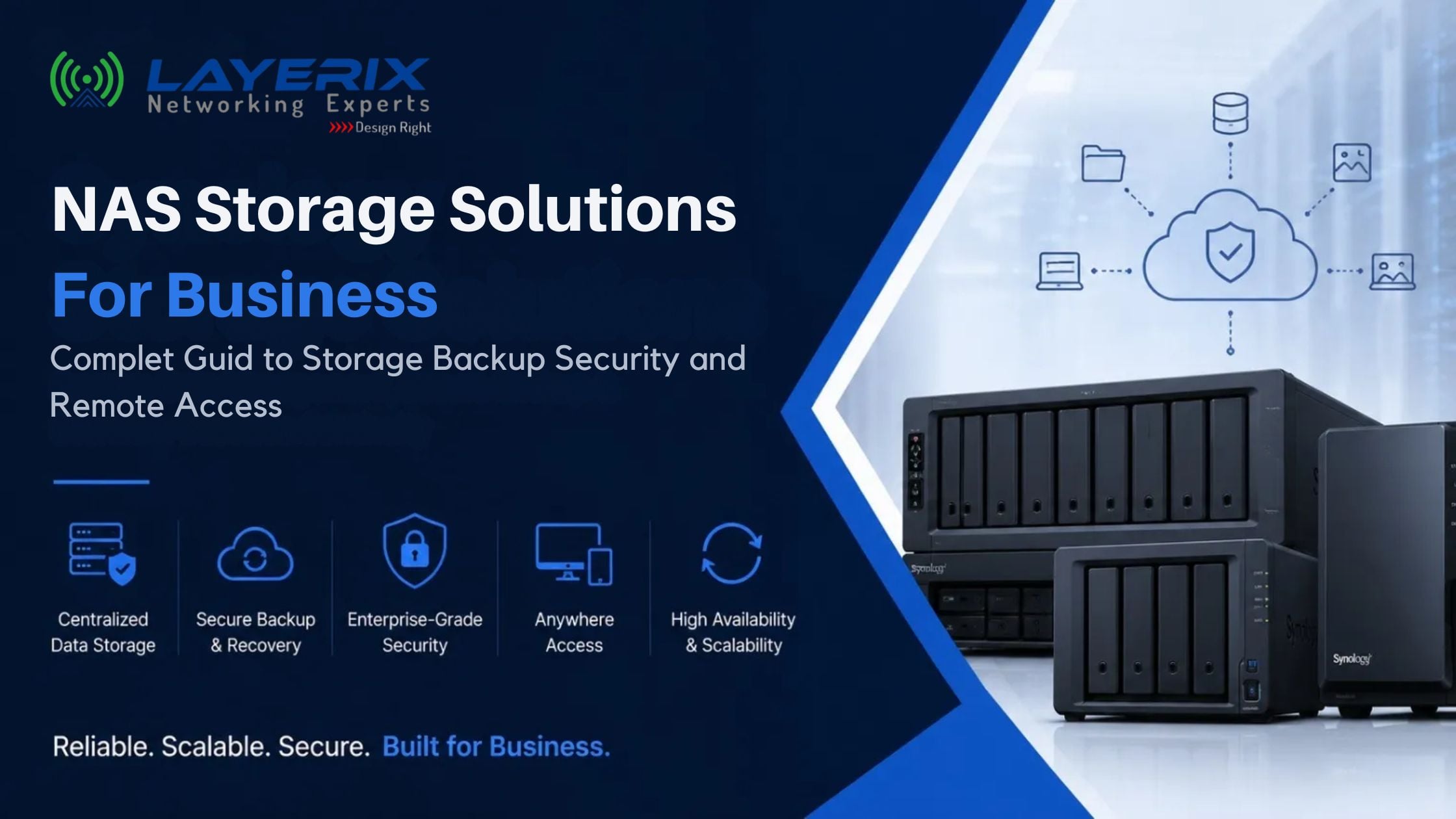
Your files aren't in one place anymore. Some live on laptops. Some sit on an old file server nobody wants to touch. Some are scattered across three different cloud accounts, and a few critical ones only exist on a departing employee's desktop.
That's not really a storage-capacity problem. It's a centralization, backup and access-control problem — and it's the exact gap a business NAS is built to fill. Not as a magic box, and not as the automatic right answer for every business, but as one solid infrastructure component when it's sized, networked and secured properly.
This guide walks through what a business NAS actually does, how to size and configure one for a growing business, and — just as importantly — where its limits are.
What Is a NAS?
NAS stands for Network Attached Storage — a dedicated storage device connected to your business network (not to one PC) so that multiple users, devices and applications can access the same files, backups and services at once.
Basic NAS Architecture
Why Do Businesses Use NAS?
Centralized Files
One shared location instead of files scattered across laptops and drives.
Backup Target
A single destination for PC, server and application backups.
Access Control
Department- and role-level permissions instead of open shared folders.
Remote Access
Authorized access to business files from outside the office, done securely.
CCTV Storage
A dedicated repository for surveillance footage and retention policies.
Business Continuity
A recovery point when a laptop, server or site fails.
What Can a Business NAS Do?
Capability depends on the specific vendor, model, firmware/OS version, configuration and licensing — not every NAS supports every item below.
| Capability | Business Use |
|---|---|
| File storage & sharing | Centralized department folders with permissions |
| PC / server backup | Scheduled backups from endpoints and servers |
| Snapshots & versioning | Point-in-time recovery from accidental changes or ransomware |
| Remote access | Authorized access to files outside the office |
| Cloud synchronization | Sync selected data to/from cloud storage |
| Surveillance (CCTV) | IP camera recording and retention, model/license dependent |
| Virtualization / containers | Running lightweight apps or VMs, model dependent |
| Replication | Copying data to a secondary NAS or site |
How to Choose the Right Business NAS
There's no single "best" model or vendor — the right choice depends on user count, data volume, growth rate, backup load, applications, CCTV needs and network speed. Work through requirements first, hardware second.
2-Bay NAS
Small teams, basic file storage and backup, typically RAID 1. Limited expansion — outgrown quickly if data volumes are already climbing.
4-Bay NAS
Growing businesses — more storage, RAID flexibility (5/6/10), more concurrent users, room to expand before a hardware refresh.
Higher-Bay NAS
Larger datasets, CCTV, multiple workloads, larger storage pools. Not automatically "enterprise-grade" — evaluate against actual workload.
Understanding RAID in a Business NAS
| RAID | Min. Drives | Redundancy | Performance | Typical Use |
|---|---|---|---|---|
| RAID 0 | 2 | None | Highest | Speed-focused, non-critical data only |
| RAID 1 | 2 | 1 drive failure | Moderate | Small NAS, basic protection |
| RAID 5 | 3 | 1 drive failure | Good | Balanced capacity and protection |
| RAID 6 | 4 | 2 drive failures | Good | Larger arrays, higher resilience |
| RAID 10 | 4 | Multiple, conditional | High | Performance-sensitive workloads |
RAID is not a backup.
RAID protects against certain disk failures. It does nothing against accidental deletion, ransomware, fire, theft, administrative mistakes, corruption or site-level disaster. A separate backup strategy is still required.
NAS vs Server vs Cloud
There's no universal winner — the right architecture depends on workload.
| Factor | NAS | Traditional Server | Cloud Storage |
|---|---|---|---|
| Control | Local, full control | Local, full control | Provider-managed |
| Cost model | One-time hardware + support | One-time hardware + support | Ongoing subscription |
| Scalability | Bay/drive limited | Hardware limited | Elastic |
| Remote access | Configurable | Configurable | Native |
| Internet dependency | Low (LAN-first) | Low (LAN-first) | High |
| Maintenance | Business-managed | Business-managed | Provider-managed |
Most real-world environments end up hybrid: local NAS for performance and control, cloud for offsite backup or remote collaboration, and Microsoft 365 or Google Workspace for email and office productivity — not mutually exclusive with a NAS, but complementary to it.
Business NAS Backup Strategy
A NAS is a backup target for other systems — but the NAS itself also needs to be backed up. Losing the NAS with no external copy means losing everything it held.
3-2-1 Backup Rule
3
copies of data
2
different media types
1
offsite copy
- PC → NAS, Server → NAS, NAS → external drive, NAS → second NAS, NAS → cloud/offsite
- Define retention and versioning — not just "a backup exists," but "how far back can we recover"
- Test restores, not just backup jobs — an untested backup is a hope, not a plan
NAS and Ransomware Protection
A NAS can support ransomware recovery — and it can also become a ransomware target if left exposed. Most business-grade NAS platforms provide features that support ransomware resilience, depending on model and configuration; none prevent ransomware on their own.
NAS Network Requirements
A high-performance NAS on a weak network still performs like a slow storage system. NAS performance depends on the entire path, not just the NAS itself.
Do You Need 10GbE?
Business NAS Security
Security is architecture + configuration + operations — no NAS is automatically secure out of the box.
Business NAS Remote Access
Remote access is genuinely useful — for hybrid teams, multi-site staff, or field access to shared files. It should be done through a properly configured VPN with identity management and MFA, not by exposing NAS services directly to the internet.
NAS for CCTV
Storage sizing depends on camera count, resolution, frame rate, compression and retention days — and on licensing/model support for the number of camera channels. Verify current capabilities against the specific model and software version rather than assuming a fixed camera limit.
How Much NAS Storage Does a Business Need?
Raw drive capacity is not usable capacity. Four 8 TB drives do not simply give 32 TB usable — RAID overhead (parity, redundancy) reduces the real number, and the exact figure depends on the RAID level chosen.
Common NAS Mistakes Businesses Make
Why UPS Matters for NAS
Power outages and voltage fluctuations mid-write are a common cause of NAS data integrity issues. A UPS allows a graceful shutdown and protects hardware — it doesn't make the system disaster-proof, but it removes one of the more preventable failure causes.
Example: 50-User Business NAS Architecture
Requirements: central file storage, PC and server backup, CCTV, remote access, department permissions, offsite backup, and room to grow.
NAS Cost Considerations
The NAS enclosure is only one line item in the real cost of a reliable storage environment:
When Is a NAS Not the Right Solution?
- Existing cloud infrastructure already meets the requirement
- Workloads need specialized enterprise storage
- Very high, sustained performance requirements
- Compliance requirements demand a different architecture
- Application requirements exceed NAS capabilities
- Business needs a different high-availability architecture
Business NAS Implementation Checklist
Before
- Assess data, users, growth
- Determine retention & backup strategy
- Determine network speed needs
- Determine security & UPS requirements
During
- Configure storage, RAID, volumes
- Create users & permissions
- Configure backups & snapshots
- Configure network & security
After
- Test file access, backup, restore
- Test failure recovery
- Document configuration
- Schedule maintenance & review growth
Frequently Asked Questions
Is a NAS good for business?
It can be a solid fit for centralized storage and backup when sized and networked correctly — it's one infrastructure component, not a complete IT strategy on its own.
Can a NAS replace a file server?
For many file-sharing and storage needs, yes. For workloads needing specific server applications or compute, it may complement rather than replace a server.
Is a business NAS secure?
Security depends on configuration and operational practices — permissions, MFA, network segmentation, updates and monitoring — not on the hardware alone.
Is RAID a backup?
No. RAID provides redundancy against certain disk failures, but it does not replace a separate backup strategy.
How much storage does a business NAS need?
Base it on current data plus projected growth, backup/versioning needs, application needs and any CCTV requirements — not just today's file volume.
Can a NAS be used for CCTV?
Yes, where the specific model and software support the required camera count, retention and licensing.
Can I access a business NAS remotely?
Yes, using a properly configured secure remote-access architecture such as a VPN with MFA.
Do I need 10GbE for a business NAS?
Depends on workload — large file transfers, video work or many concurrent users benefit; small teams with light usage often don't need it.
Can a NAS back up Microsoft 365 data?
Check supported applications, licensing and features for your current environment and platform version before relying on this.
Can a NAS replace cloud storage?
It depends on business requirements — many businesses run both, using NAS locally and cloud for offsite backup or collaboration.
How many users can a business NAS support?
User capacity depends on the model, workload, applications, network and concurrent usage — not a single fixed number.
Planning a NAS Solution for Your Business?
A reliable NAS deployment is more than selecting a storage appliance. Storage capacity, RAID, backup, network bandwidth, security, power protection and future growth all need to work together. Layerix helps businesses design and deploy IT infrastructure covering networking, structured cabling, storage, backup, security and ongoing support.
R Swaminathan
Founder & CTO, Layerix Networking Experts. 24+ years in enterprise networking. JNCIE-SP certified. Former Network Architect for Facebook, Google, AWS, AT&T, and leading Indian banks.
Ready to optimize your network?
Contact Layerix Networks for expert IT infrastructure and networking solutions.