
Firewalls Decoded: Interfaces, Zones, and Policies Explained Without the Jargon
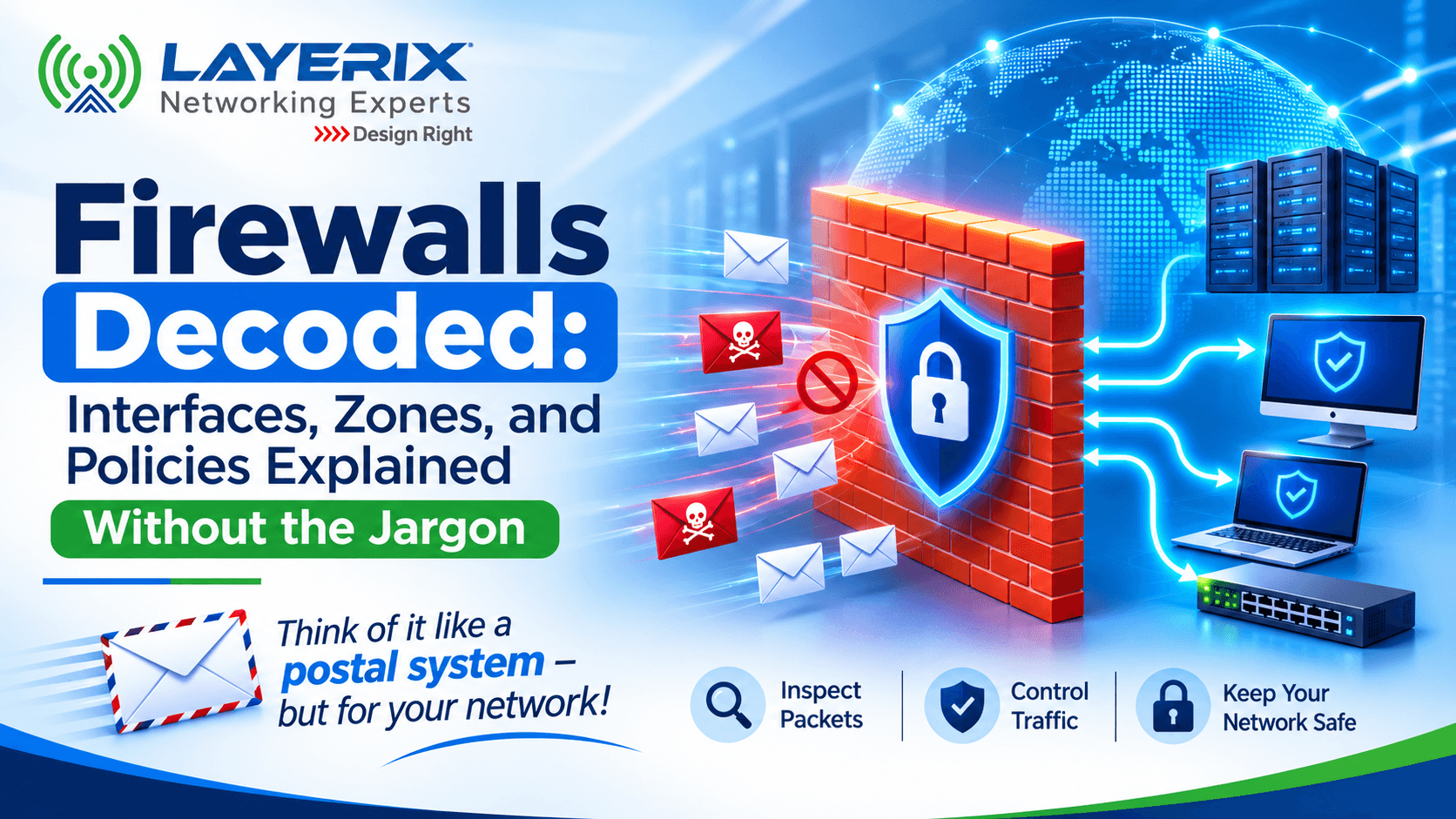
Imagine writing a letter at your desk, sliding it into an envelope, and dropping it into a local postbox. It travels across cities, passes through multiple postal hubs, and eventually reaches its destination.
Along that entire journey, nobody tears open your envelope to check what you wrote—except you at the source, and the final recipient at the other end. The transit points just move the mail blindly.
In enterprise networking, data packets move across the internet in a very similar way. But unlike a postal service where you hope nothing malicious is hitching a ride, a firewall acts as the ultimate gatekeeper[cite: 1]. It has the unique power to inspect those packets, evaluate what's inside, and decide whether to let them pass or drop them entirely[cite: 1]. Let's break down the fundamentals of how firewalls actually protect your network—without drowning in vendor jargon.
What Does a Firewall Actually Do?
When an IP packet is transmitted across a network and hits a firewall, the firewall doesn't just pass it along. It opens up the envelope at multiple layers[cite: 1]:
Header Inspection
Inspects Layer 2, Layer 3, and Layer 4 headers to track source, destination, and protocols[cite: 1].
Payload Analysis
Deep inspection of the data carried inside the packet to spot malicious intent or threats[cite: 1].
Threat Prevention
Stops unauthorized traffic from compromising internal network architecture[cite: 1].
The 3 Core Pillars of Any Firewall Configuration
When you strip away advanced security packages, every firewall configuration comes down to three fundamental components[cite: 1]:
Interfaces (The Physical/Logical Ports)
Ports 1 through 4 act as your interfaces[cite: 1]. Every interface handles specific traffic and requires individual protocol enablement (like HTTPS, SSH, FTP, or ping). For instance, if you want to ping a firewall interface IP, you must explicitly enable the ping application—otherwise, the firewall drops it[cite: 1].
Zones (Grouping for Simplicity)
Instead of writing duplicate rules for individual interfaces, you bundle multiple interfaces into a single "Zone" (like Zone A)[cite: 1]. This abstracts complexity and allows you to apply unified policies across multiple ports instantly[cite: 1].
Firewall Policies (The Glorified If-Else Statement)
A firewall policy is nothing more than structured logic: If traffic comes from Interface 1 towards Interface 4, accept it. Nothing mystical—just clean, conditional rules[cite: 1].
Host-Bound vs. Transit Traffic: Know the Difference
Not all traffic interacts with a firewall in the same way. Understanding how traffic flows helps diagnose connectivity issues instantly:
Host-Bound Traffic
Traffic destined directly for the firewall itself[cite: 1]. It hits the firewall's CPU for internal administrative processing, management UI access, or system-level queries.
Transit Traffic
Traffic that passes straight through the firewall from one interface to another (e.g., entering Port 1 and exiting Port 2 to reach another subnet)[cite: 1].
Firewall Component Quick Reference
| Component | Function | Real-World Example |
|---|---|---|
| Interfaces | Physical/logical ports connecting networks | Enabling SSH or Ping on Port 1[cite: 1] |
| Zones | Logical grouping of multiple interfaces | Grouping Port 1 & 2 into "Zone A"[cite: 1] |
| Policies | Rule-based filtering logic (If-Else) | Allowing Zone A to talk to Port 4[cite: 1] |
| Inspection | Deep packet analysis for threats | Antivirus, IPS/IDS, and anti-malware[cite: 1] |
The Bottom Line
At Layerix Networking Experts, our goal is simple: help IT teams and enterprise customers understand infrastructure deeply so they can make the right architectural choices[cite: 1]. A firewall isn't an unmanageable black box—it's a logical engine built on interfaces, zones, and precise conditional policies[cite: 1].
Stay tuned for our next session where we dive deeper into Deep Packet Inspection (DPI), covering advanced antivirus, anti-malware, and IPS/IDS detection mechanisms[cite: 1]!
Need Help Securing Your Network Infrastructure?
Let Layerix's networking experts audit, configure, and optimize your enterprise firewalls.
R Swaminathan
Founder, Managing Director & CTO, Layerix Networking Experts[cite: 1]. 25+ years of enterprise networking experience[cite: 1].
Ready to optimize your network?
Contact Layerix Networks for expert IT infrastructure and networking solutions.